Back to Games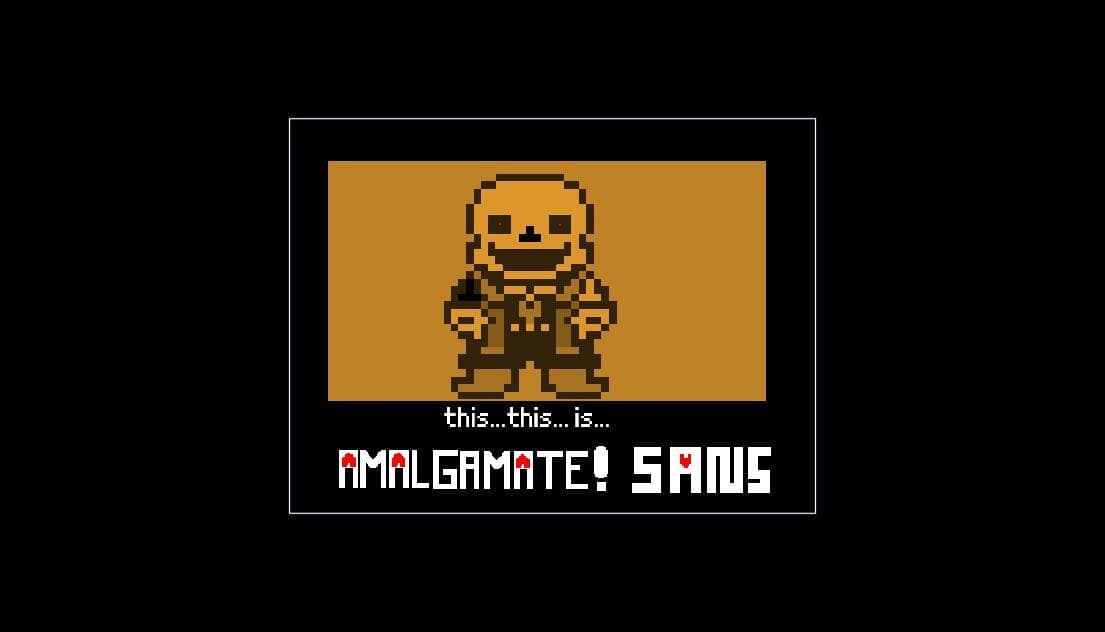
Amalgamate!Tale-CHAPETER 1
2021
About
Install instructionsWhen file is dawloanded, you can go to the site:https://scratch.mit.edu/ when you are in the site you click in "create", now click in "upload from computer", its open a file page, now click the file of the game, the game is open, now click in enlarge screen symbol, click in the green flag, and the game is started! if you have problem, you can write a comment, and we can resolve your problem!
Screenshots
Community Activity
Playing0
Completed0
Plan to Play0
Tap to see all activity →
Developers
UndertaleFanGames studios
Platforms
PCmacOSLinuxAndroid
Tags
clickscratchgreen
Loading...
Loading...