Back to Games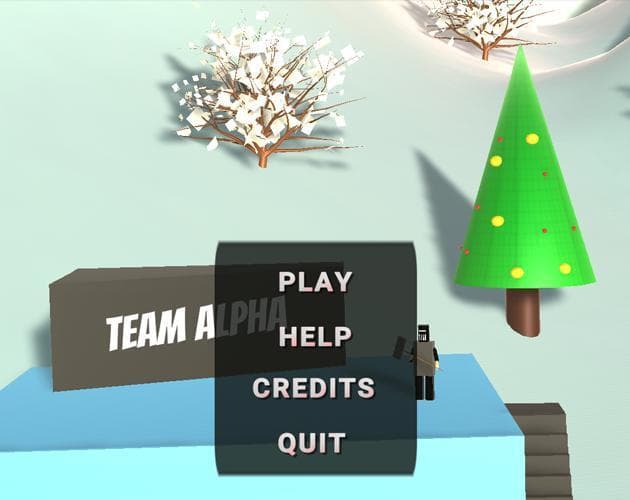
Assessment 2 - Greybox Project (hollsteina)
2022Adventure
About
Directions: Click and navigate your way through the menu. To play the game hit PLAY on the Main Menu. To navigate back to the Main Menu hit Main Menu in the top left corner. Click on the buttons located in the Controls menu to manipulate the player object. You will be able to rotate, move and change the size of the object. To reset to defaults click the Reset button. Please feel free to give me some feedback on how to improve this greybox project. Submission of Assessment 2 for PROG2001. Adrian ...
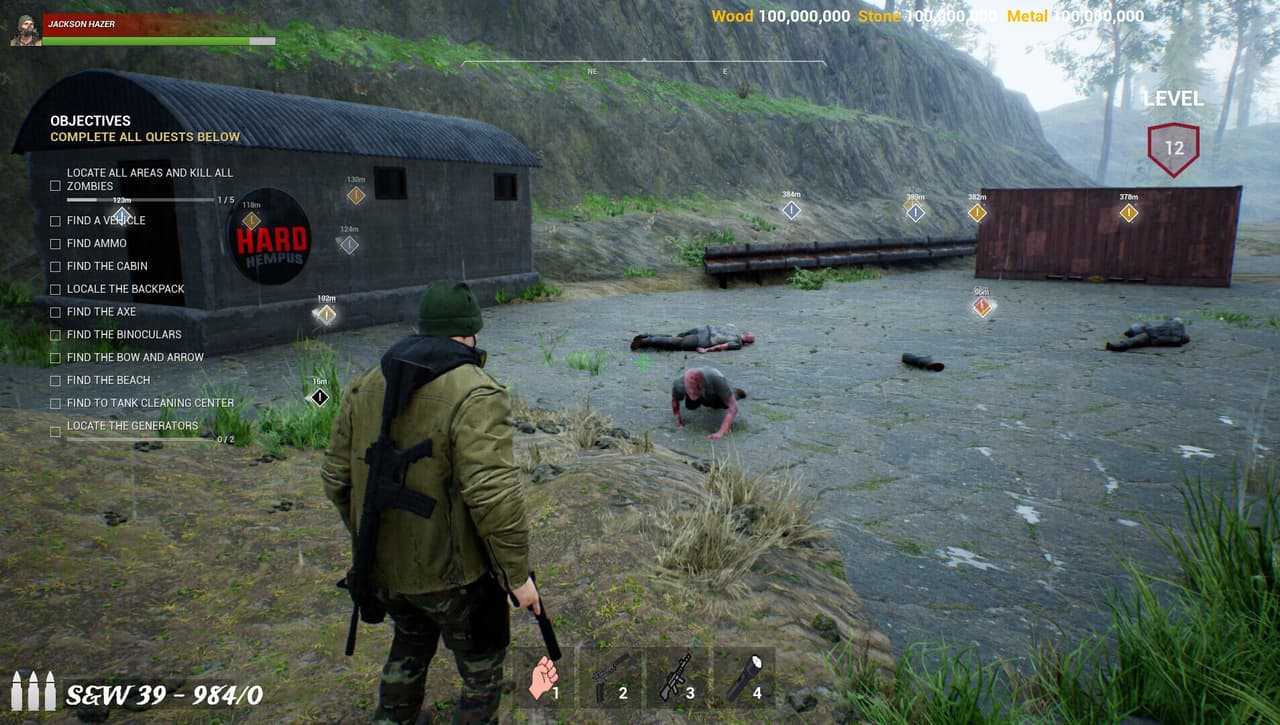
Screenshots
Community Activity
Playing0
Completed0
Plan to Play0
Tap to see all activity →
Developers
hollsteina
Platforms
Web
Tags
clicktopalphabuttons
Loading...
Loading...