Back to Games
Battle on Pixel Hill
2022Action
About
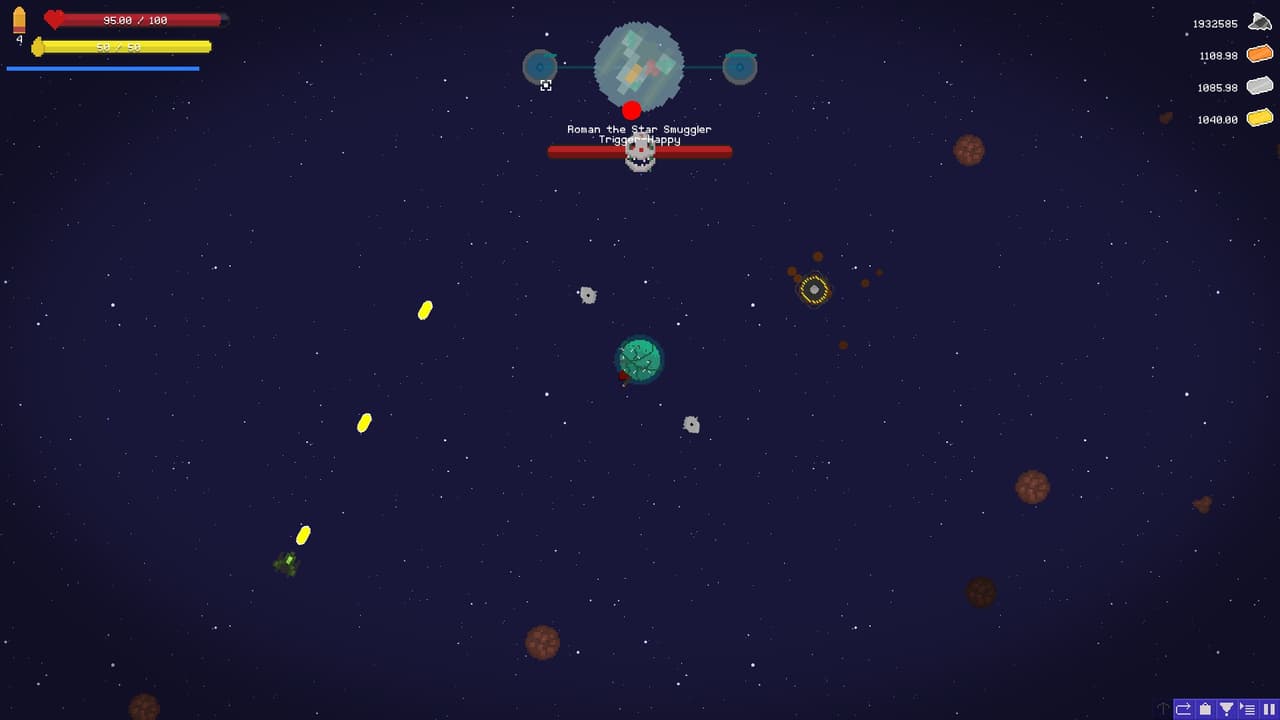
Controls: Press WAD to switch between Top, Front, and Side View respectively. Top View: Click to drop a bomb at the reticle locationSide View: Click to Shoot an enemy that the reticle is overFront View: When glowing, the green button can be pressed to pull up a lane-aim screen. Click on the lane to fire a railgun shot through the selected lane. Current WebGL issues: Top view reticle is offset, must enter full-screen mode to find reticle. Side View raycasting does not work at the moment.
Screenshots
Community Activity
Playing0
Completed0
Plan to Play0
Tap to see all activity →
Developers
warspiteful
Platforms
WebPC
Tags
SingleplayerFirst-PersonPixel GraphicsShort
Loading...
Loading...