Back to Games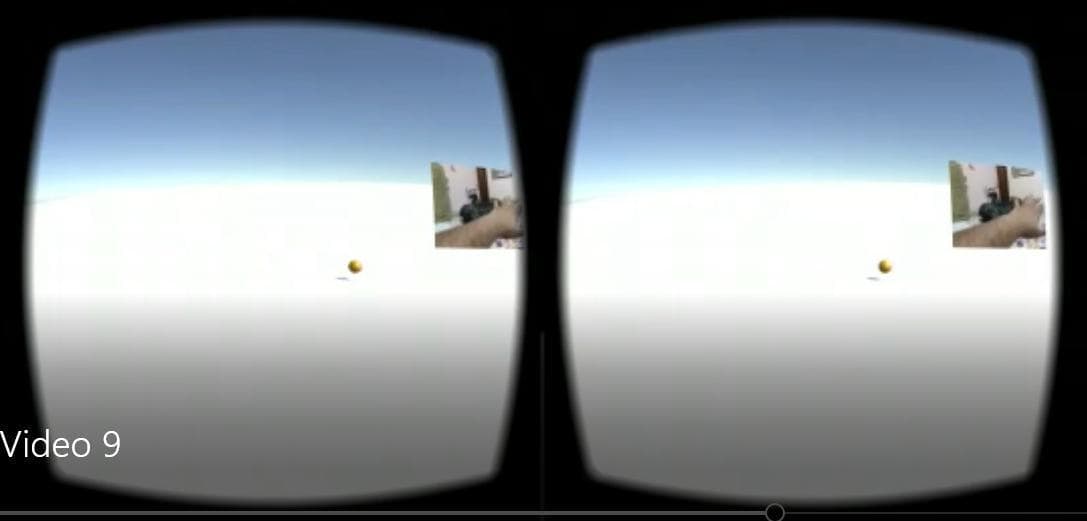
Controller-free Hand Interaction in VR
2022Simulation
About
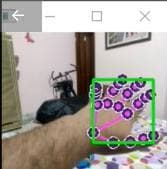
First of all, Install Google VR Services on your phone. Download and install the attached apk file on your phone. Then download the UdpComms.py and Untitled-Copy2.ipynb in a single folder. Install anaconda python environment on your laptop/desktop/pc and then open Jupyter notebook. Then open Untitled-Copy2.ipynb in Jupyter notebook. Now make sure that your laptop/desktop/pc and phone are conntected to same WiFI. Make a note of IP address pf your desktop/laptop/pc and your phone. Now run the cell...
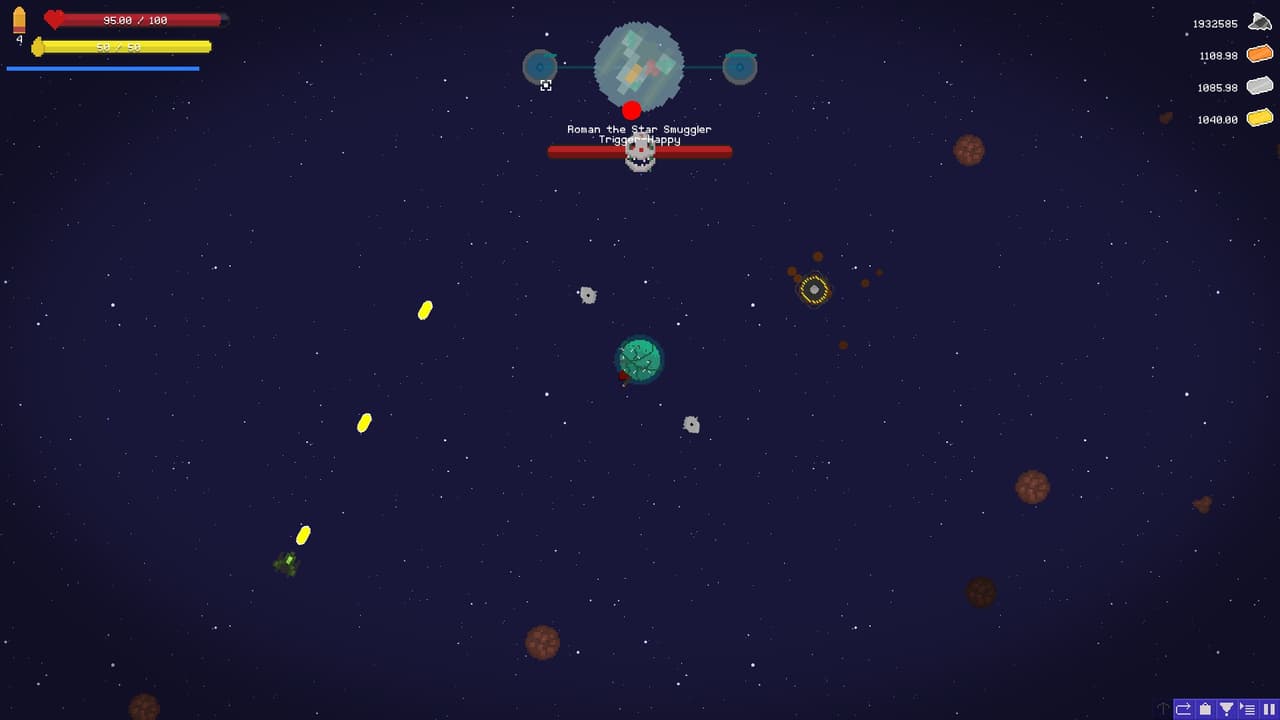
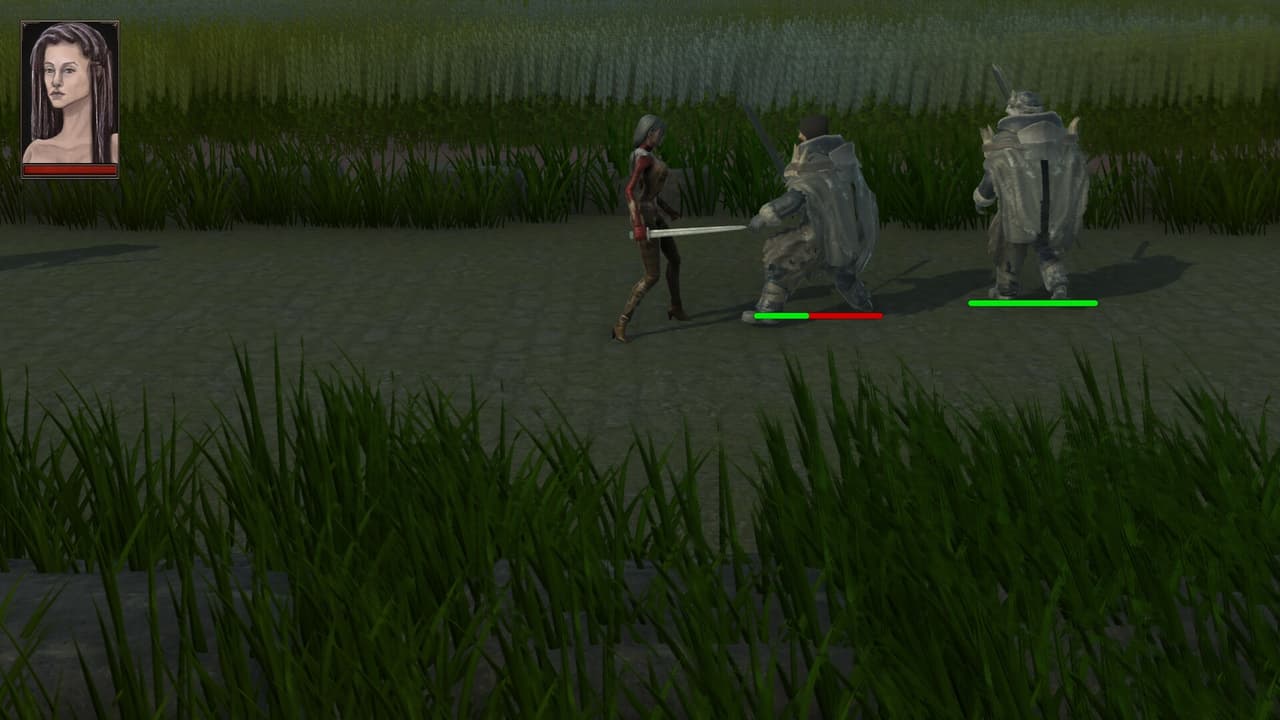
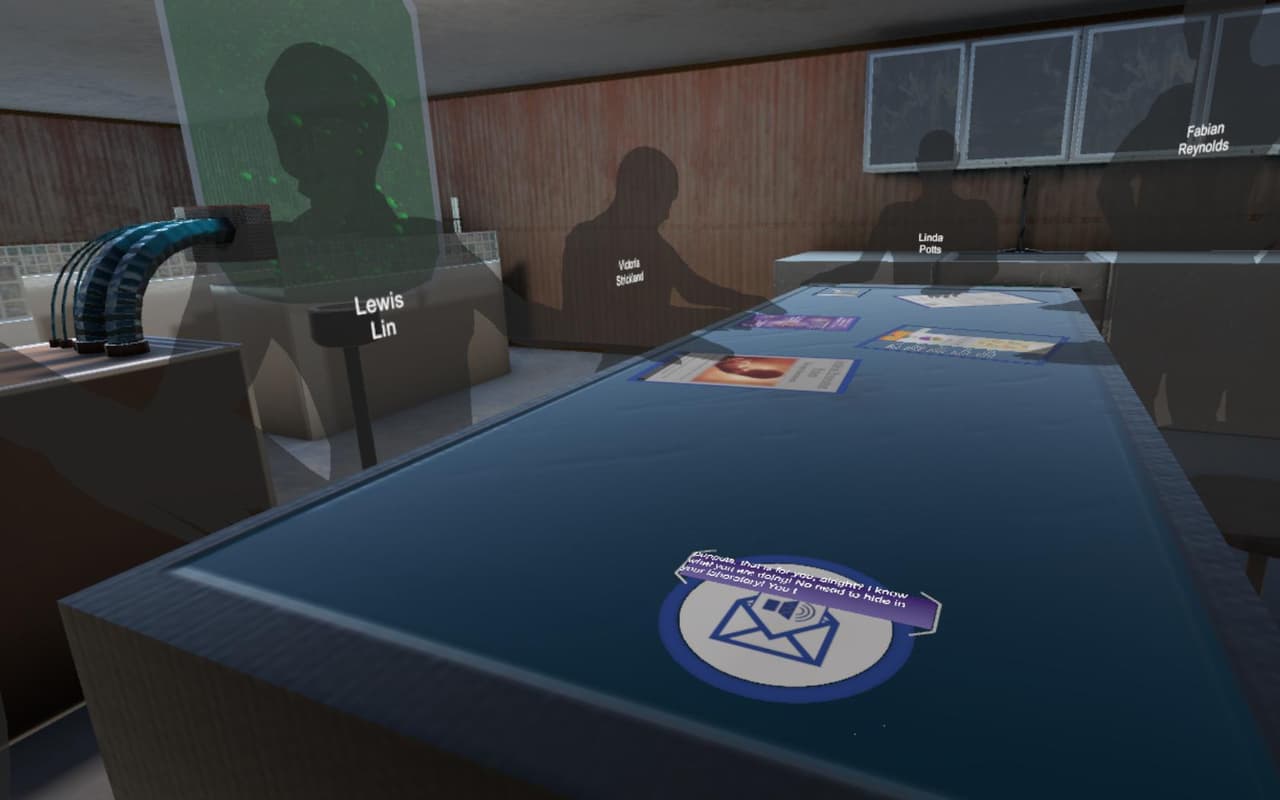
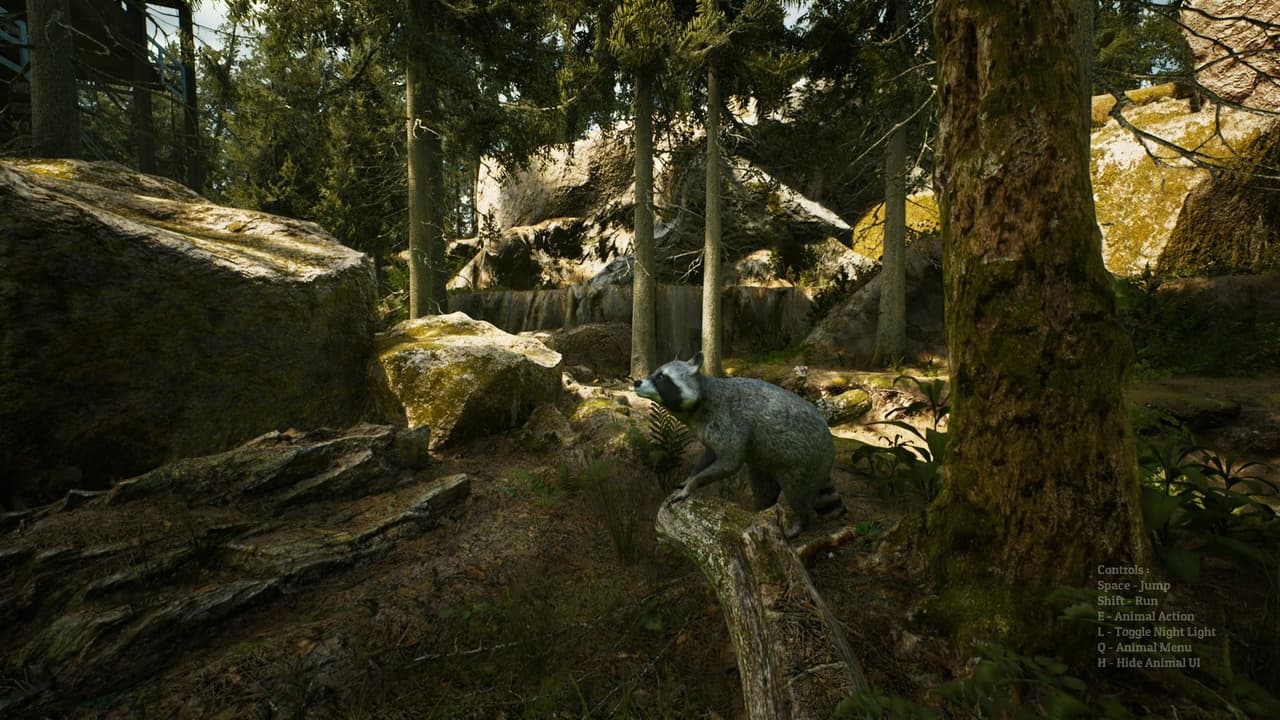
Screenshots
Community Activity
Playing0
Completed0
Plan to Play0
Tap to see all activity →
Developers
GAURISH GARG
Platforms
AndroidPC
Tags
3DVR
Loading...
Loading...