Back to Games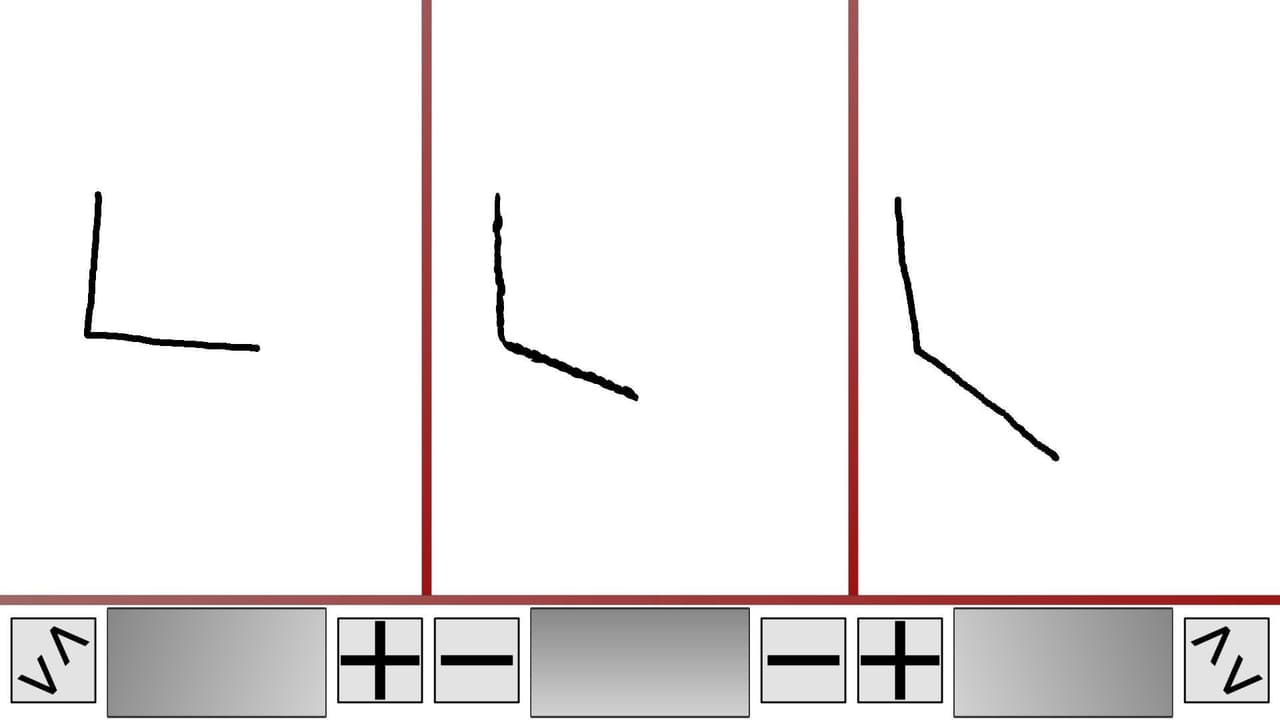
Draw and Merge
2018
About
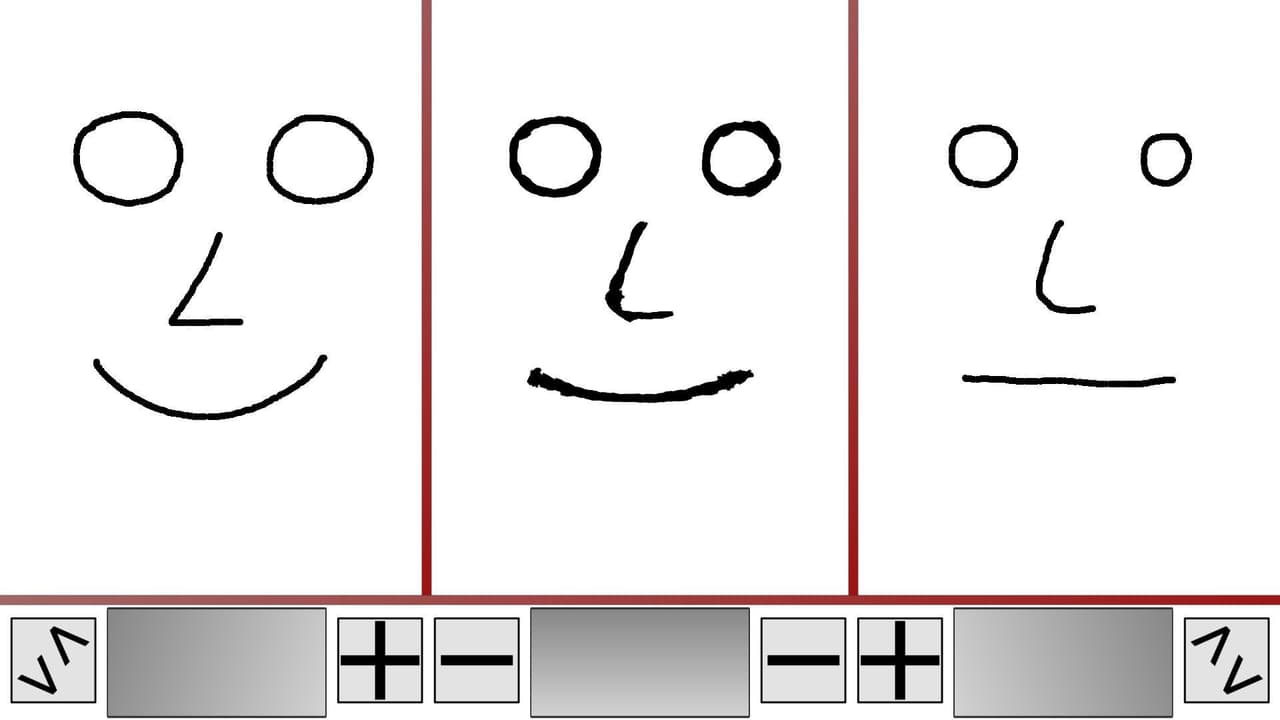
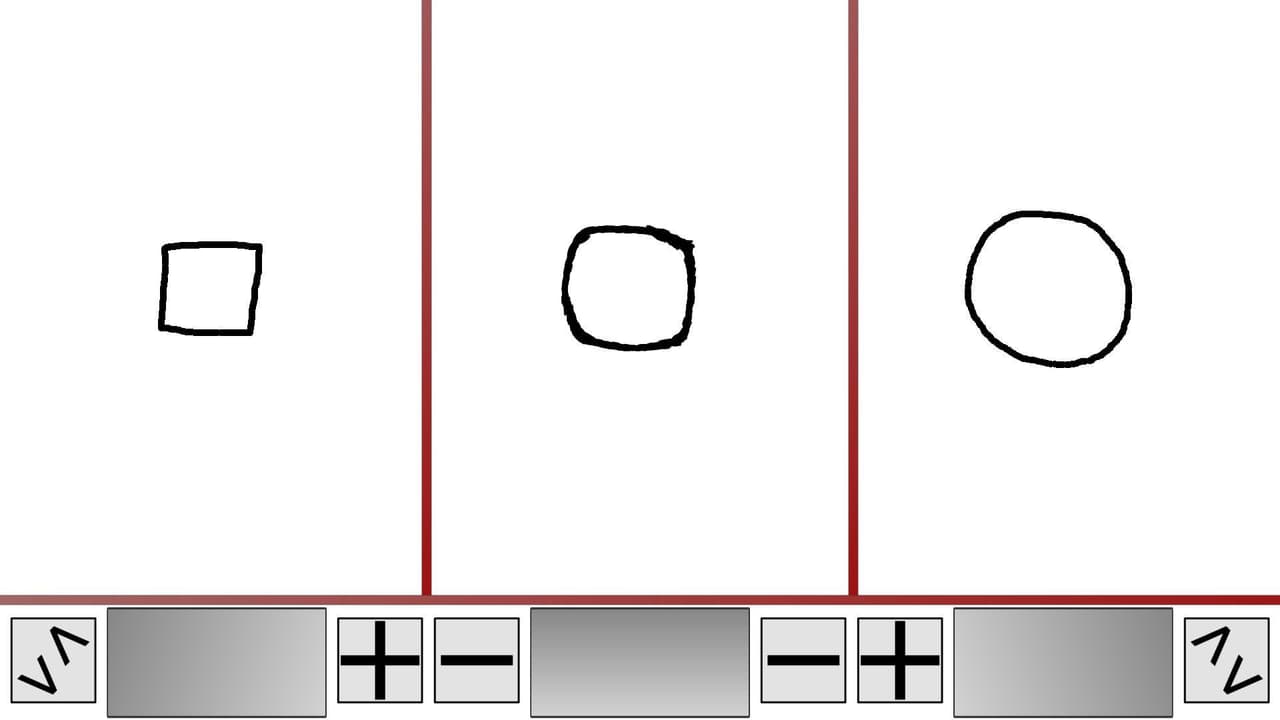
Draw something on the left side of the screen and something else on the right side, then click enter or onto the space between them and see a merged version of both drawings. Click on the large buttons below a field to draw a new one. You can change some of the merging settings by clicking on the other symbols.
Screenshots
Community Activity
Playing0
Completed0
Plan to Play0
Tap to see all activity →
Developers
Prazory
Platforms
PC
Tags
arttoolpaintingappdrawingbuttonstweakinglinesmixinguser-generated
Loading...
Loading...