Back to Games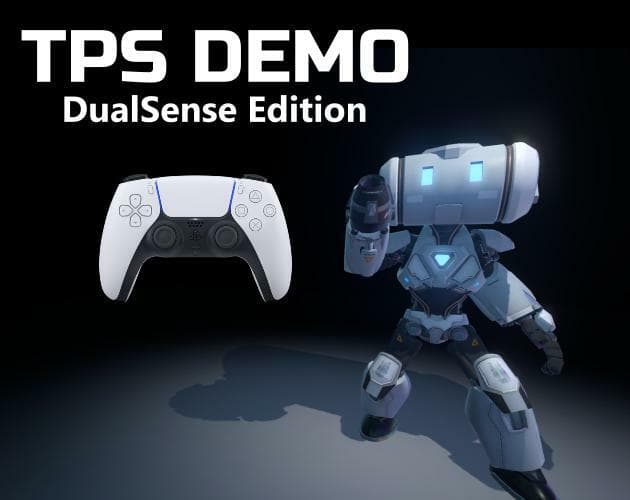
DualSense Haptic Feedback Demo
2020Action
About
This is a demo of DualSense Haptic Feedback on PC using the Godot Third Person Demo. The source code for that project is available here. To be able to experience this demo properly you will need a DualSense Controller wired to your PC. Instructions: Step 1: Right click on the volume icon and click "Sounds". Step 2: Click on the "Playback" tab near the top left. Step 3: Right click on "Speakers 2-Wireless Controller and click on Properties Step 4: Click on the "Enhancements" tab and make sure "Sp...
Screenshots
Community Activity
Playing0
Completed0
Plan to Play0
Tap to see all activity →
Developers
RevTheGame
Platforms
PC
Tags
3Ddualsense
Loading...
Loading...