Back to Games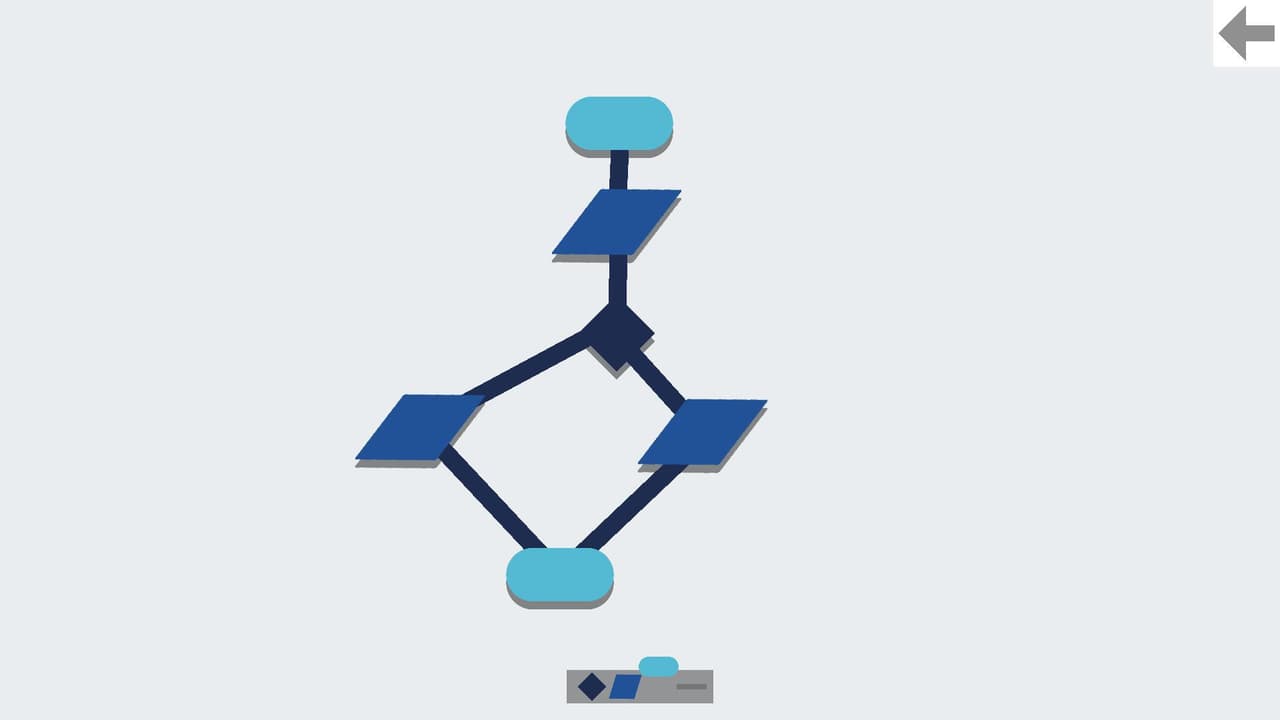
Flowcharts
2022EducationalPuzzle
About
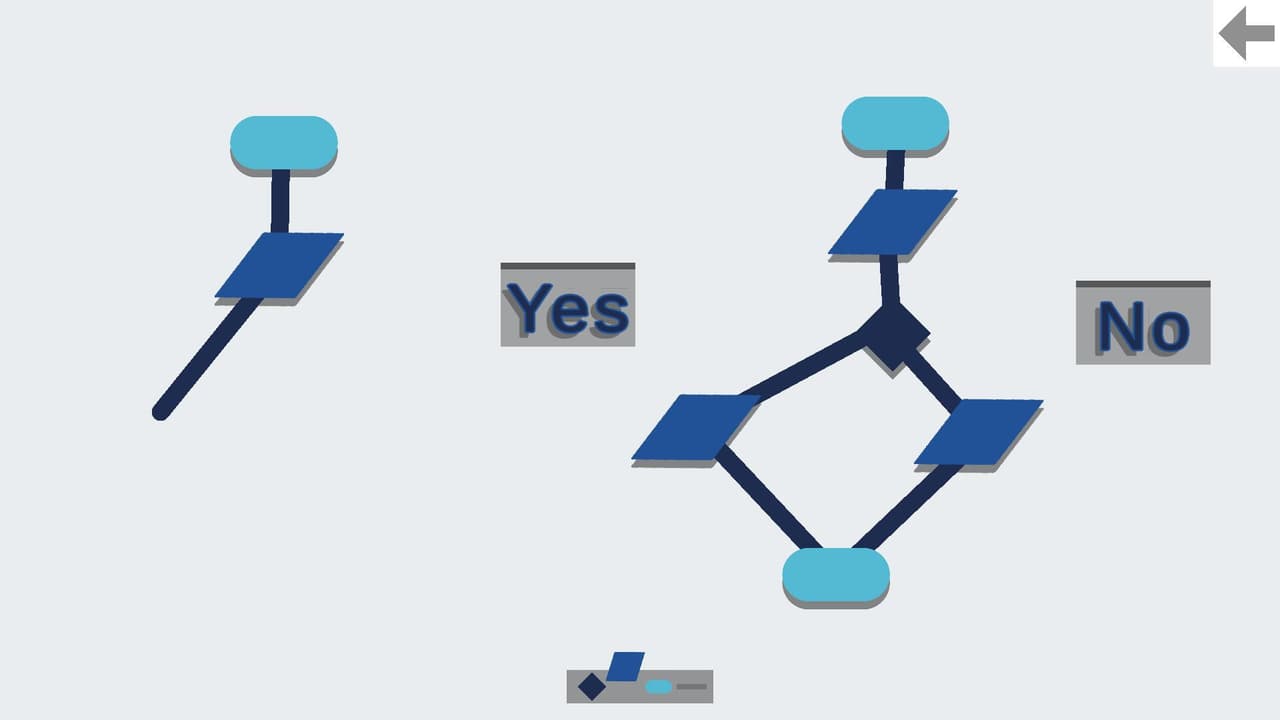
This is a simple tool that was made in Unity. It can be used to make some simple flowcharts. Use the scroll wheel to change the selected block. Right click to create blocks. Use arrow keys or WASD keys to move the camera around, hold down Left-Shift to double your camera speed, press G to toggle move mode, X to delete blocks, left click and drag to extend lines. Press 2 to extend an extra line, press 1 to go back to the first line. Press E to bring up the edit text window. Type in what you want,...
Screenshots
Community Activity
Playing0
Completed0
Plan to Play0
Tap to see all activity →
Developers
way
Platforms
WebPC
Tags
Unityhtmlwayflowchartgmaes
Loading...
Loading...