Back to Games

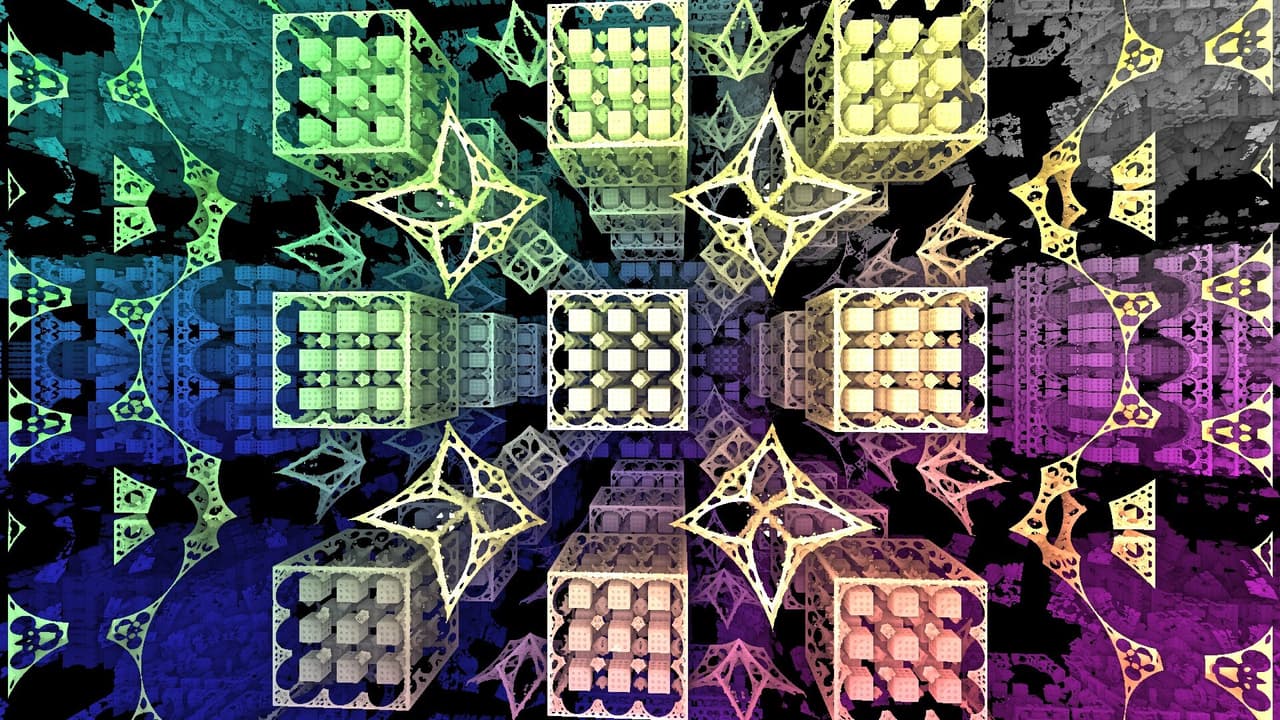
Fractal Explorer (Reduxen)
2021Simulation
About
Basic Controls: Left Mouse to rotate Fractal. Scroll Wheel to Zoom. Tab toggles the Menu. For those beautiful Screenshots! Free Cam: Free Cam stops the Fractal from rotating automatically! Hold down Right Mouse to use Free Cam and look around with your Mouse. While holding Right Mouse use W/A/S/D to Move and Q/E to move up and down. Use Scroll Wheel while holding down Right Mouse to change your movement Speed (Or use the Slider in the top right) Play in Fullscreen & Standalone for best experienc...
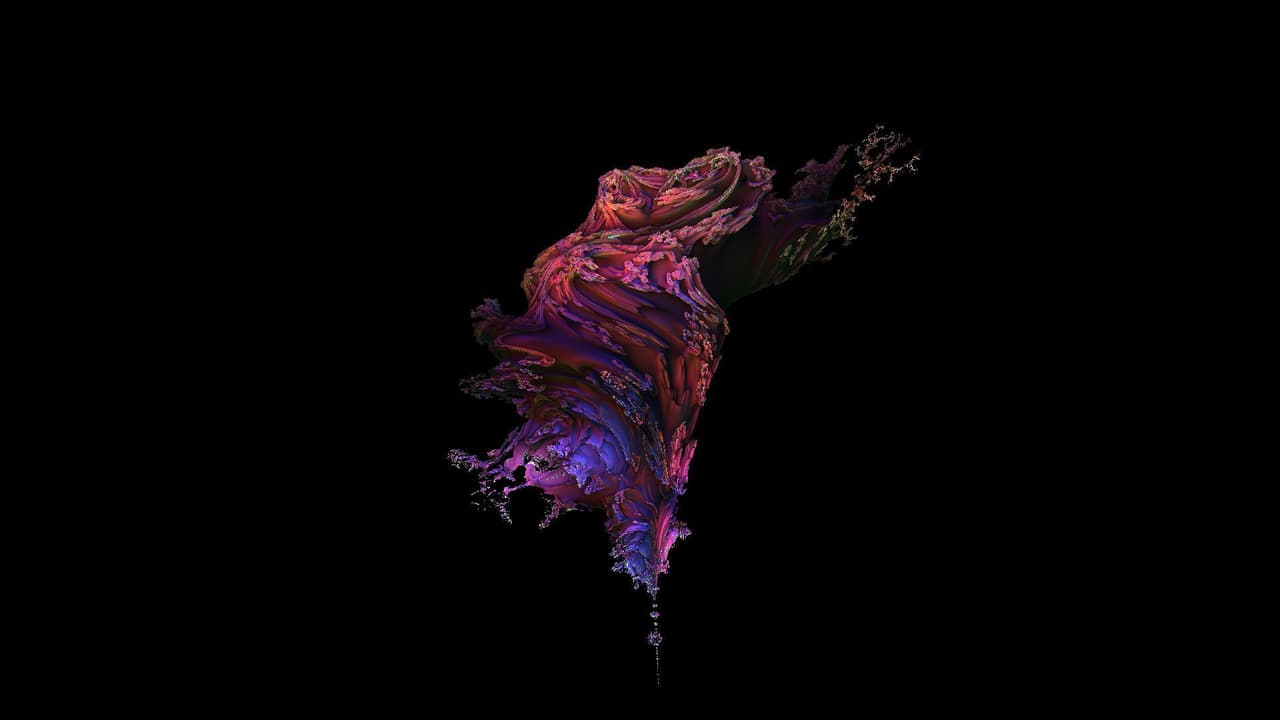
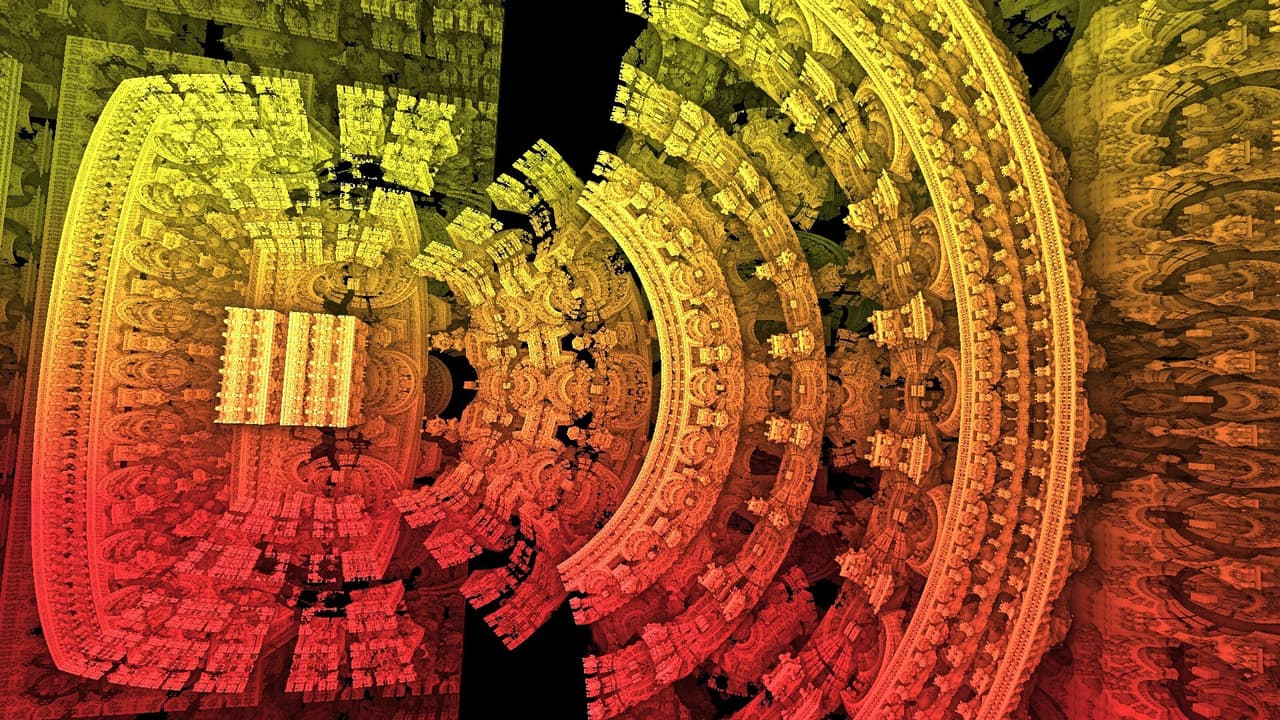
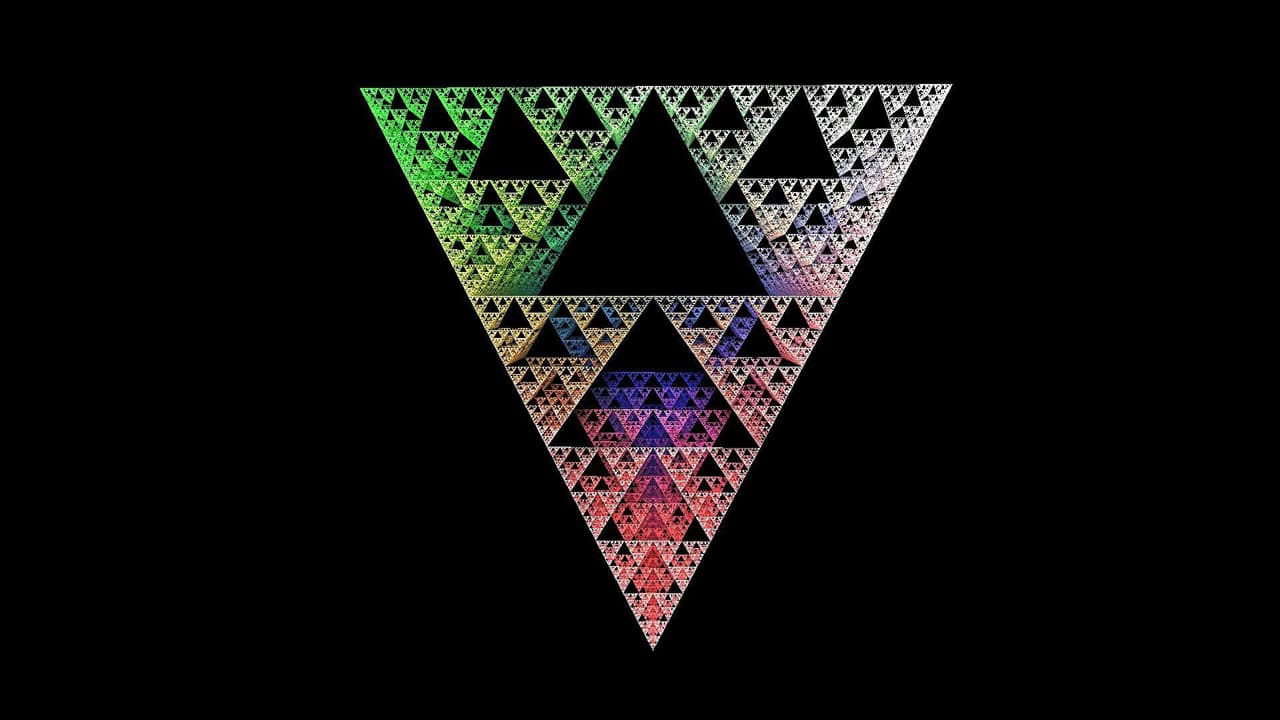
Screenshots
Community Activity
Playing0
Completed0
Plan to Play0
Tap to see all activity →
Developers
Reduxen
Platforms
PCmacOSLinuxWeb
Tags
ColorfulinteractiveVisualizationfractal
Loading...
Loading...