Back to Games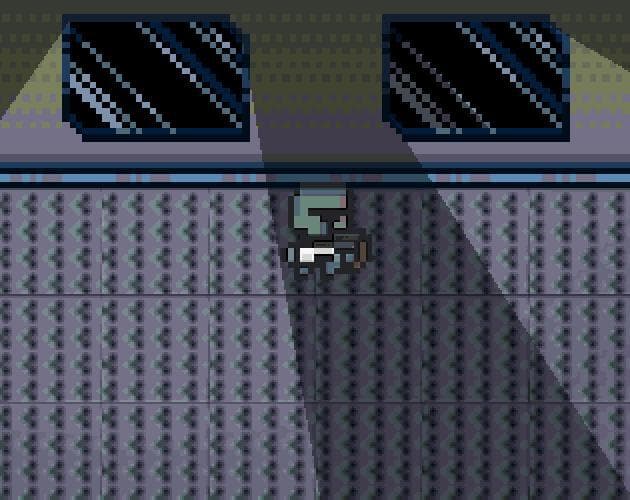
Godot Window Light Demo
2023
About
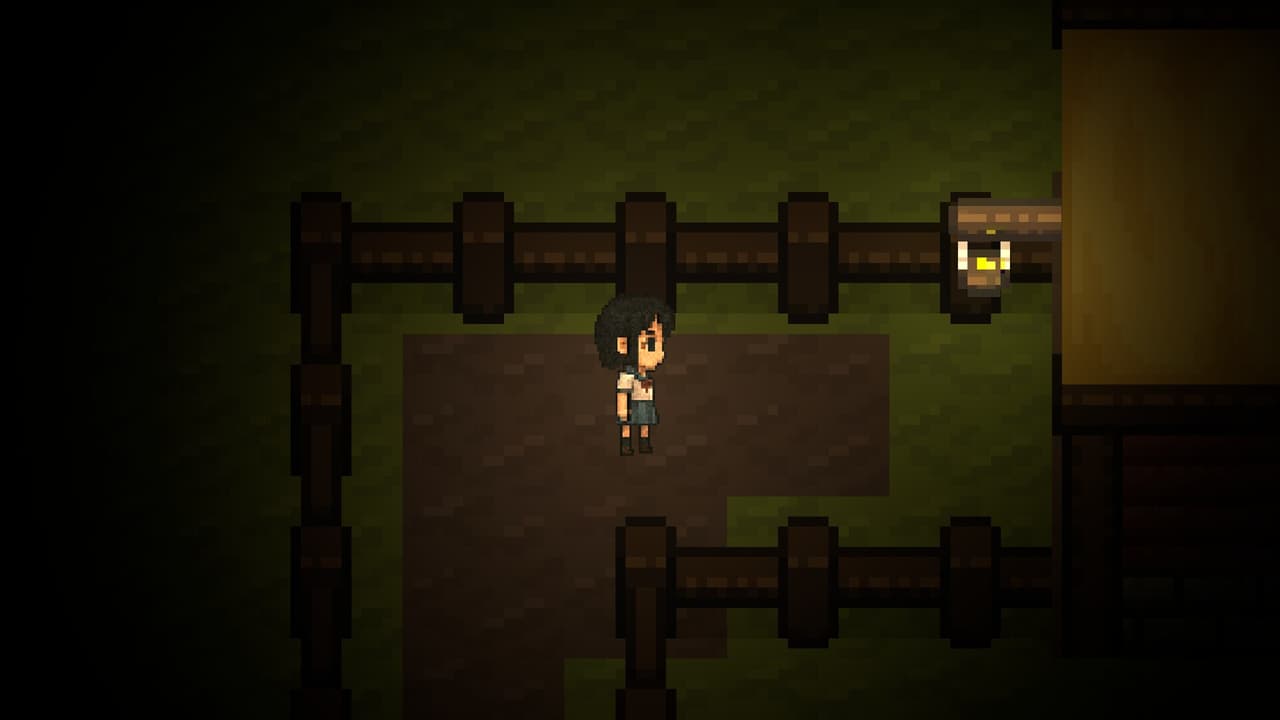
A simple demo showing how to make Light2D appear to come through windows using Godot 3. Right Mouse Button - Move light source Left Mouse Button - Move sprite -- In order to accomplish this window light effect, you must use two Light2D: One in ADD mode and another in SUB mode. More details on this can be found in the source code of this demo https://github.com/bostrt/godot-window-light-demo. Pay close attention to the Light Mask settings on each Light2D and each LightOccluder2D. -- Credit: - Cyb...
Screenshots
Community Activity
Playing0
Completed0
Plan to Play0
Tap to see all activity →
Developers
bitrunnr
Platforms
Web
Tags
2DFlightdemogodot
Loading...
Loading...