Loading...
Back to games
2021 · Released
IT 201 Sprint 3 (se283)
se283 · April 22, 2021 · Web
Nobody has tracked this yet.
About
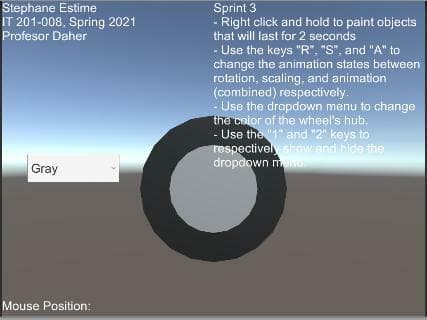
NJIT IT 201-008, Spring 2021 Sprint 3 Instructions: Right-click and hold to pain objects, which will appear on the screen for 2 seconds. Use the keys "R", "S", and "A" to change the animation states of the animated Wheel prefab between rotation, scaling, and animation (combined) respectively. Use the dropdown menu to change the color of the Wheels hub. Use the "1" and "2" keys to respectively show and hide the dropdown menu.
Media
1 screenshot
Community
No blips yet
Be the first to rank it.
Loading...
Loading...