Back to Games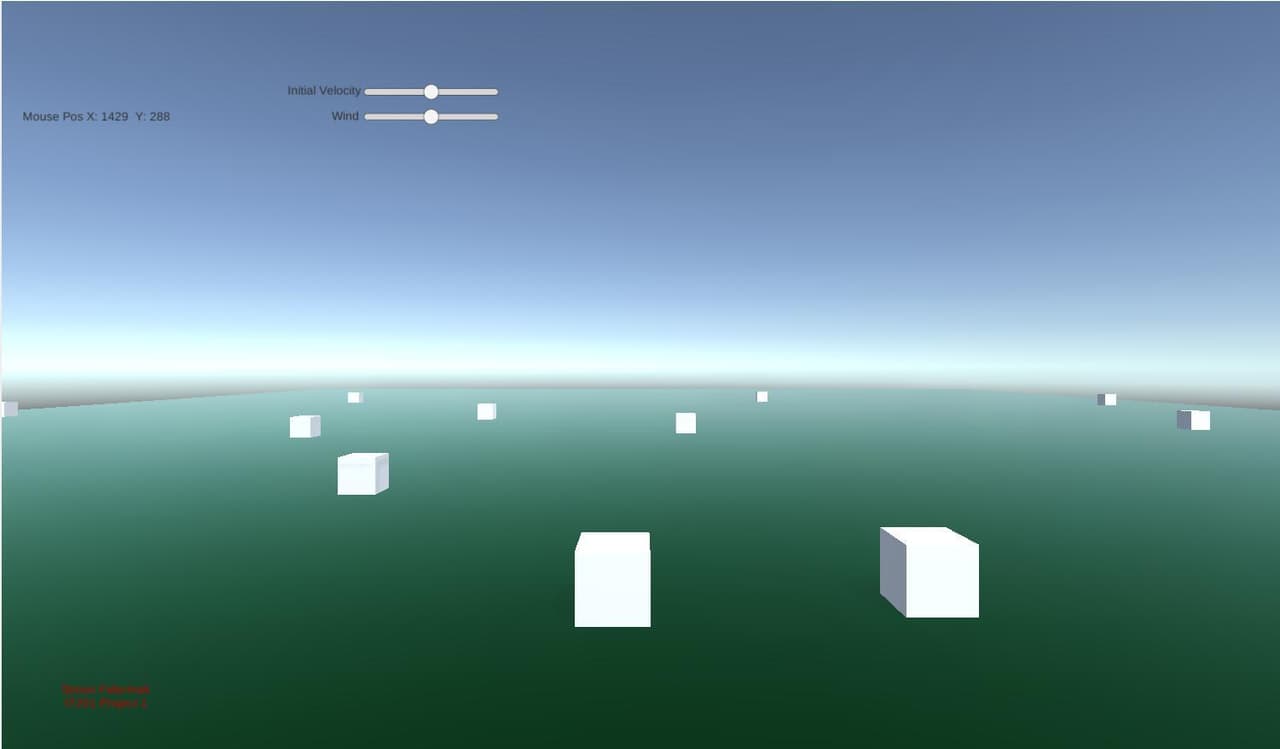
IT201 Project 1 (sf46)
2022
About
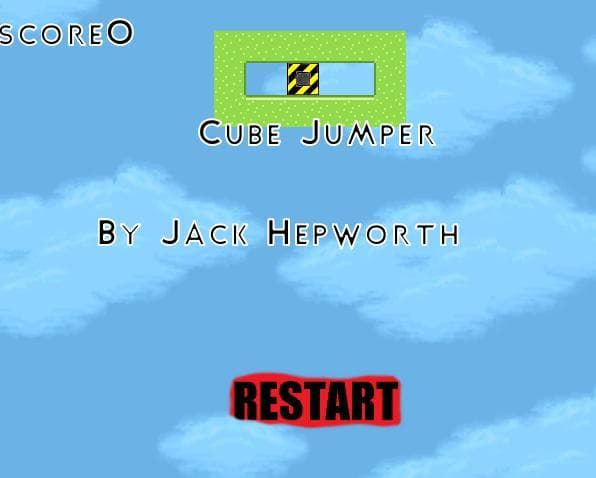
Feature 1 When you move the mouse, the mouse x & y position is shown in the top left Feature 2 Left click on the green platform to create a single cube on top of the platform where you clicked Feature 3 The “Initial Velocity” slider will make all newly created cubes start off with an initial left/right velocity. Center means 0 Feature 4 The “Wind” slider will change the velocity of all created cubes every frame by this value. Center means 0
Screenshots
Community Activity
Playing0
Completed0
Plan to Play0
Tap to see all activity →
Developers
sf46
Platforms
Web
Tags
clickcubecubes
Loading...
Loading...