Back to Games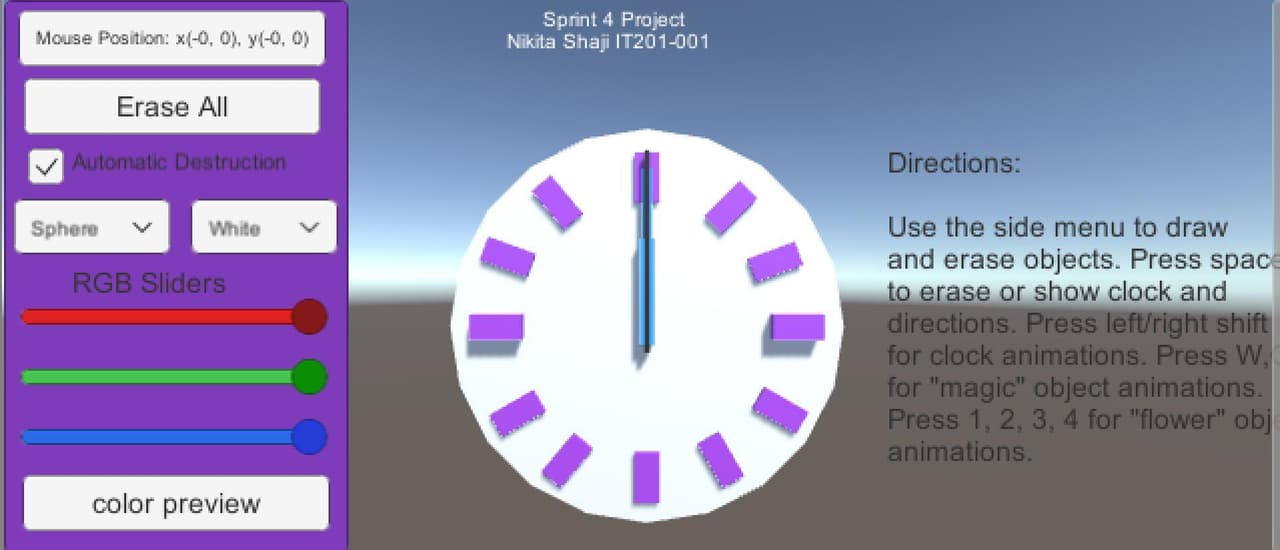
IT201 Sprint 4 Project
2021
About
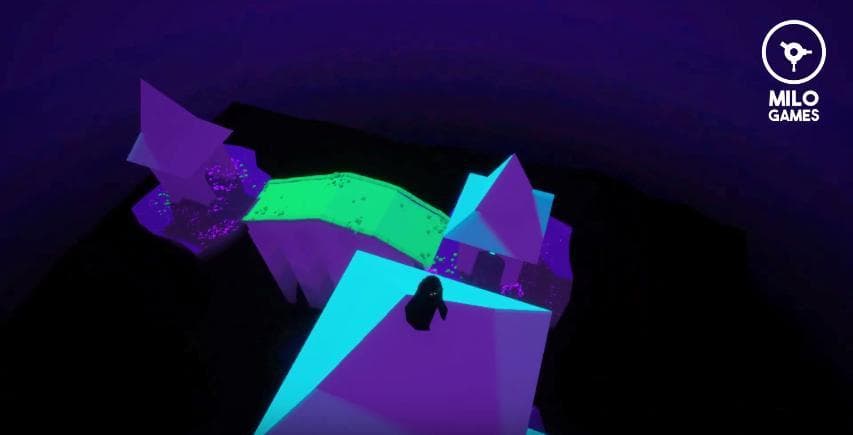
This is a paint project where the user can use various 3D shapes to draw on the screen by clicking the left button or holding down the left button. They can use the side panel with features to draw their objects by choosing shape, color, automatic destroy or manual destroy. They can also add animations to the flower and magic object by pressing 1,2,3 keys on their keyboard. And they can view time and directions by using the space key.
Screenshots
Community Activity
Playing0
Completed0
Plan to Play0
Tap to see all activity →
Developers
nes22
Platforms
Web
Tags
Spacedestroycolorflowerkeyboardshapespaintkey
Loading...
Loading...