Loading...
Back to games
Simulation · 2019 · Released
IT201_Sprint02_Josue_Benavides
JosueBenavides · October 26, 2019 · Web
Nobody has tracked this yet.
About
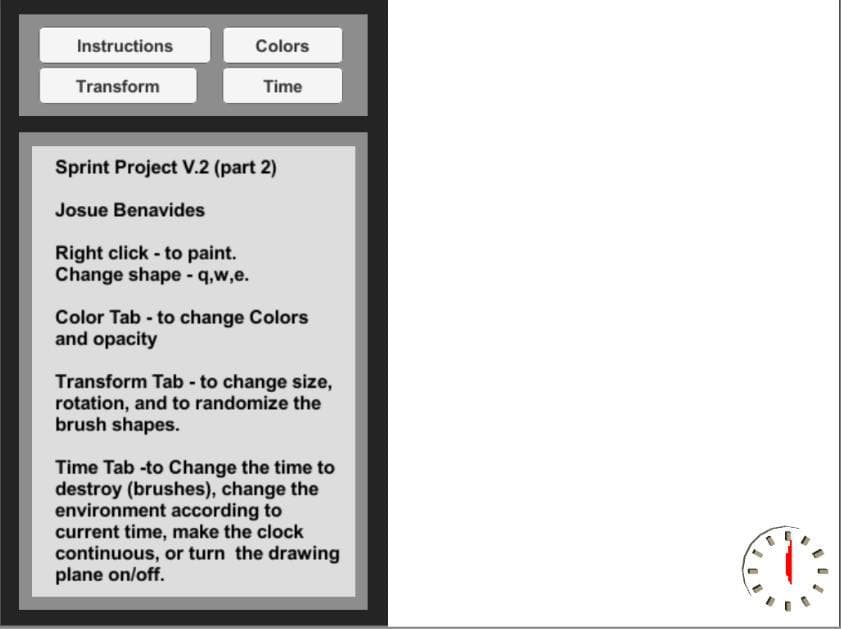
Sprint Project V.2 (part 2) This is A painting Tool, on which you are able to do many thing such as: Right click - to paintq,w,e to change shape.To change Colors and opacity use the colors Tab.To change size, rotation, or randomize color and size use transform Tab.To Change the time to destroy (brushes), change the environment according to current time, or make the clock continuous, or turn plane off, go to Time Tab.
Media
1 screenshot
Community
No blips yet
Be the first to rank it.
Loading...
Loading...