Loading...
Back to games
2019 · Released
IT201_Sprint04_Josue_Benavides
JosueBenavides · December 15, 2019 · Web
Nobody has tracked this yet.
About
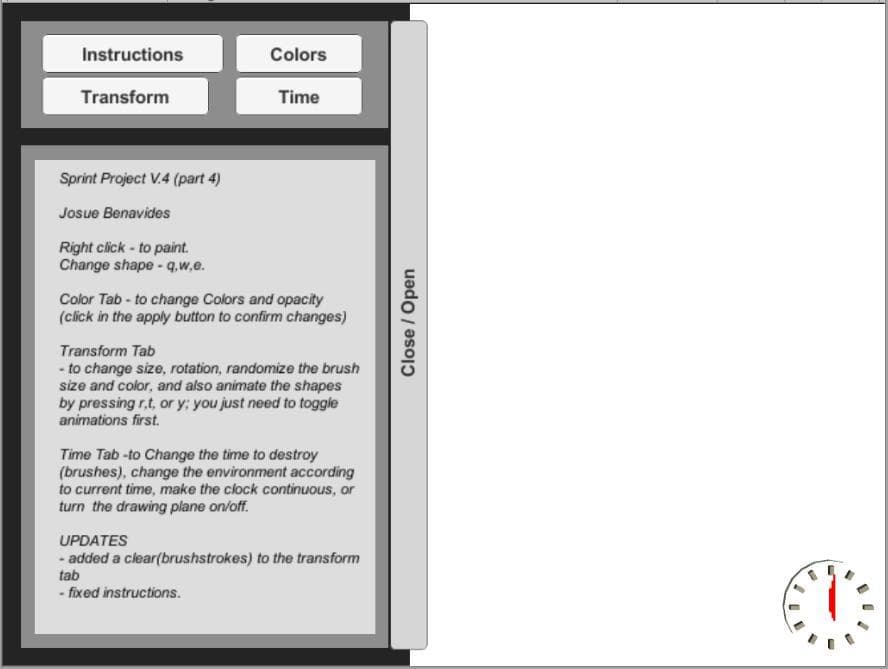
Sprint Project V.4 (part 4) Josue Benavides Right click - to paint. Change shape - q,w,e. Color Tab - to change Colors and opacity (click in the apply button to confirm changes) Transform Tab - to change size, rotation, randomize the brush size and color, and also animate the shapes by pressing r,t, or y you just need to toggle animations first. Time Tab -to Change the time to destroy (brushes), change the environment according to current time, make the clock continuous, or turn the drawing plane on/off. UPDATES - added a clear(brushstrokes) to the transform tab - fixed instructions.
Media
1 screenshot
Community
No blips yet
Be the first to rank it.
Loading...
Loading...