Back to Games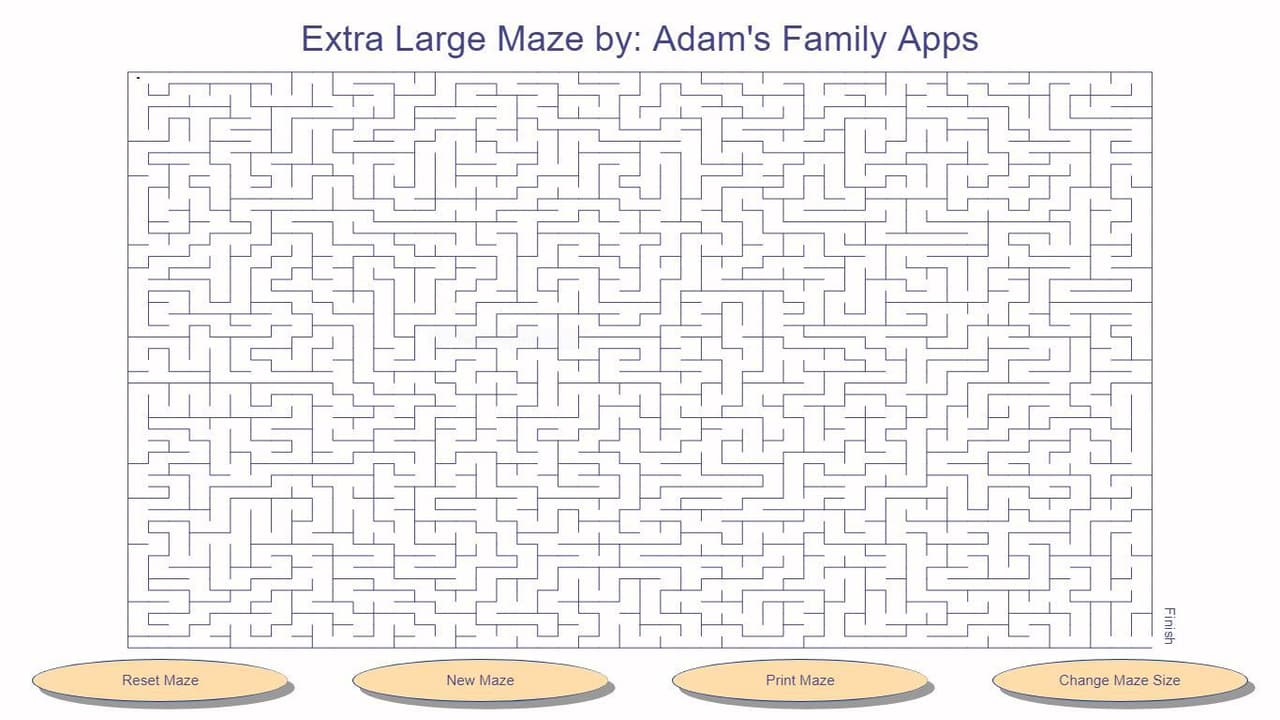
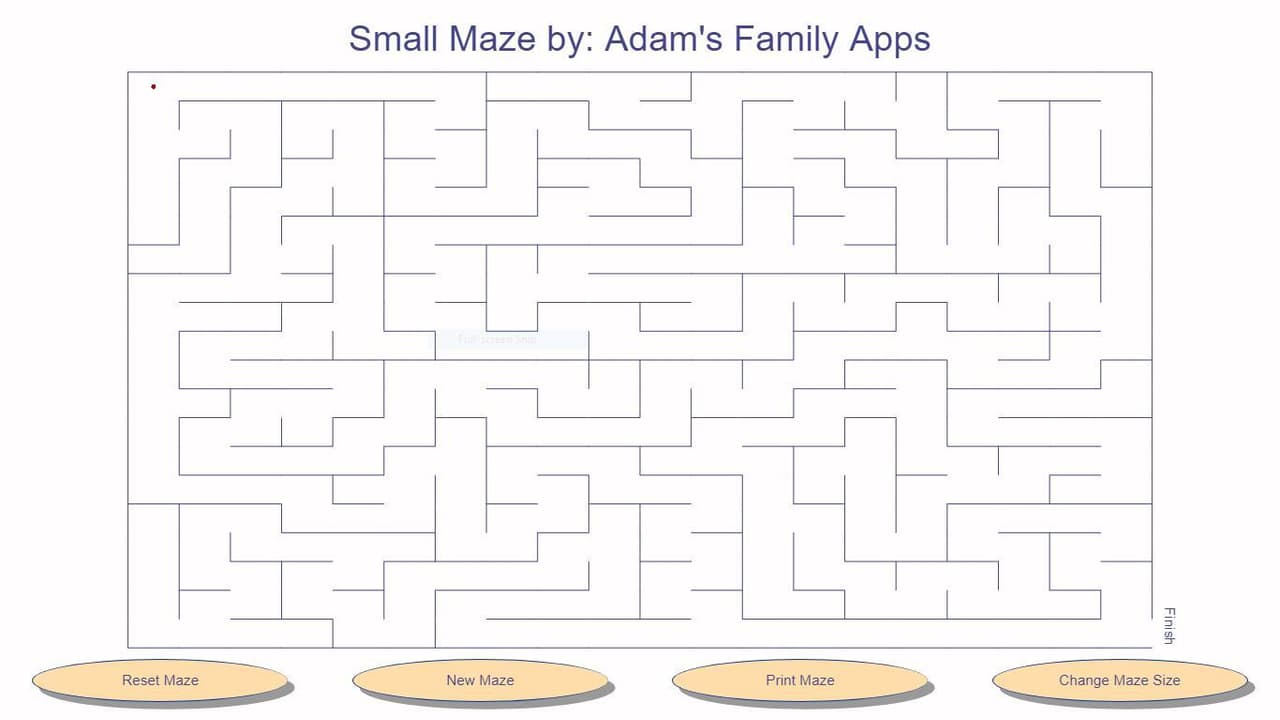
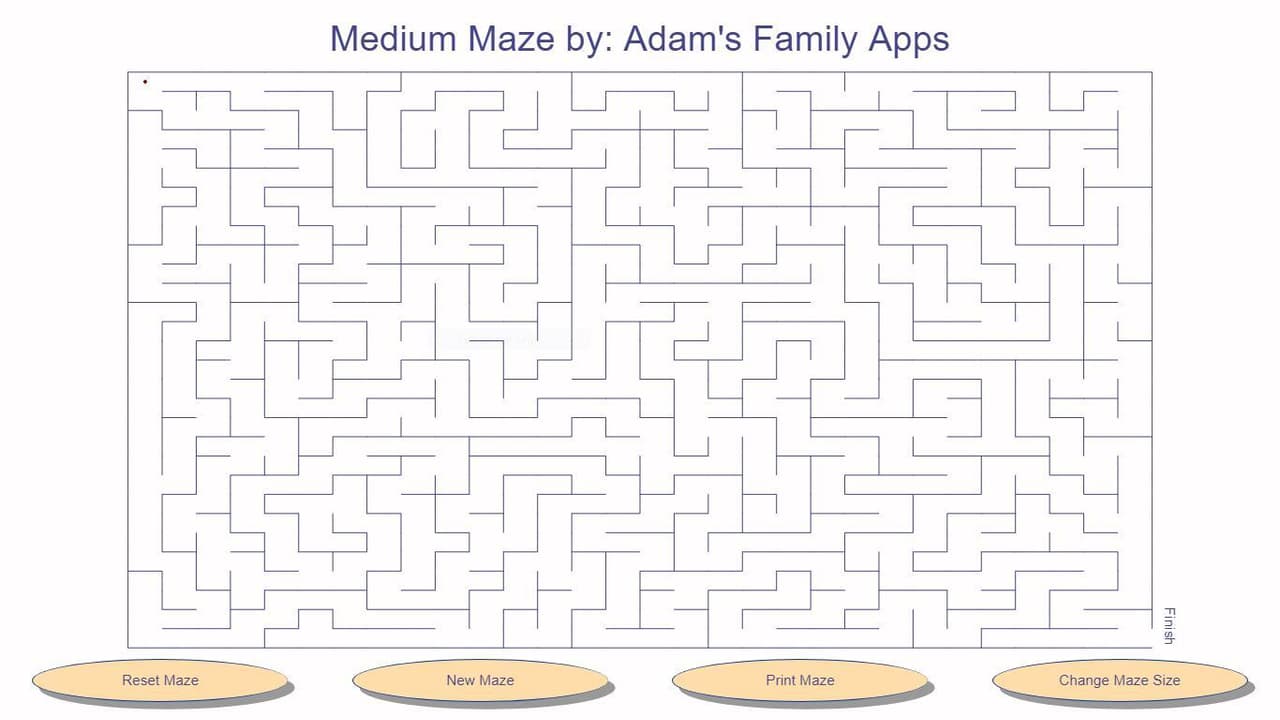
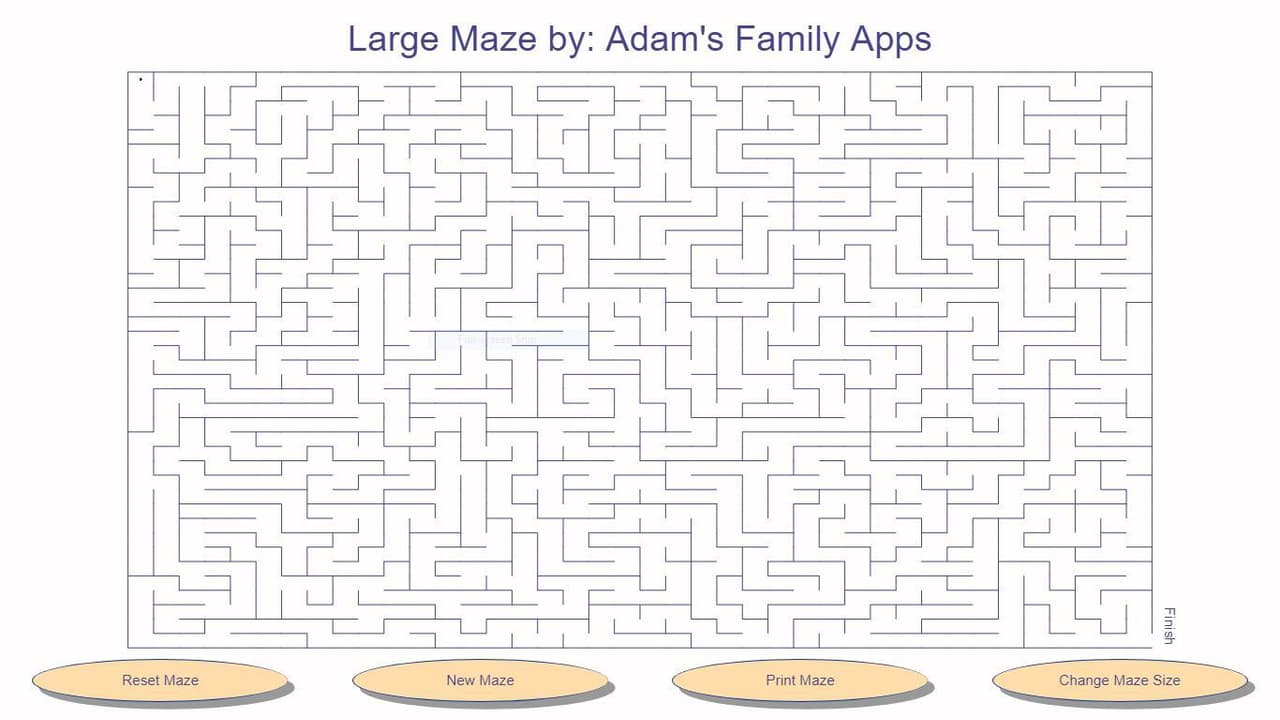
Maze (itch) (Adams Family Apps)
2022Puzzle
About
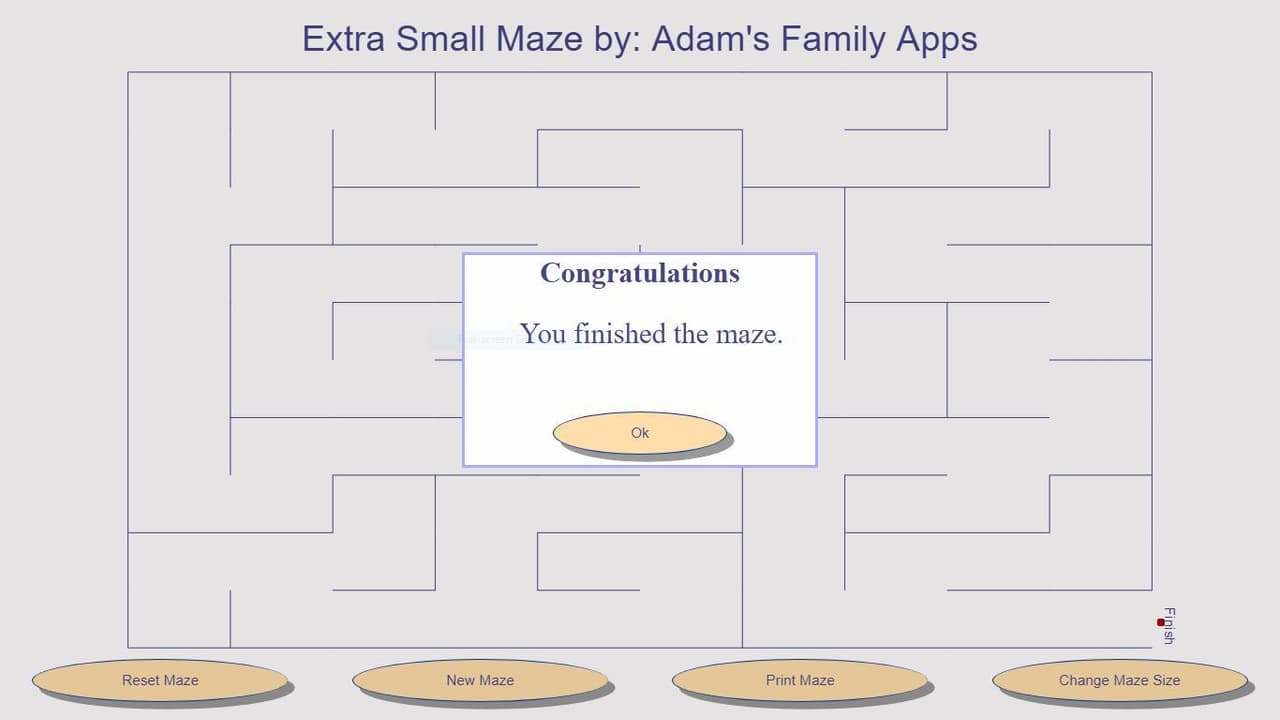
Use your finger/stylus, mouse or arrow keys on the keyboard to guide the ball out of the maze. Click or tap on the "Change Maze Size" button to choose the maze size you want. Click or tap on the "New Maze" button to create a new randomly generated maze. The "Reset Maze" button moves the ball back to the starting position. The "Print Maze" button opens the browsers default printer dialog with a printer friendly version of the maze. It prints better in landscape than in portrait.
Screenshots
Community Activity
Playing0
Completed0
Plan to Play0
Tap to see all activity →
Developers
Adams Family Apps
Platforms
Web
Tags
ballclicktapmazelandscapebrowser
Loading...
Loading...