Back to Games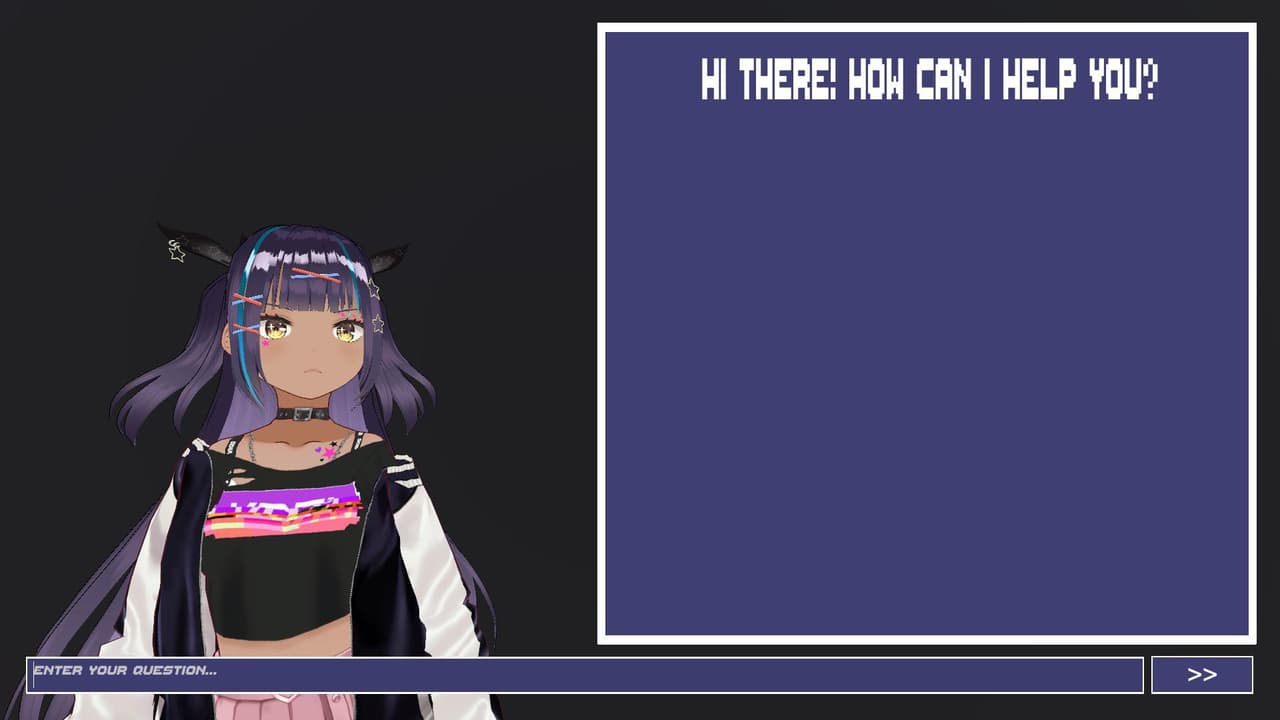
NatsukiAI
2023Simulation
About
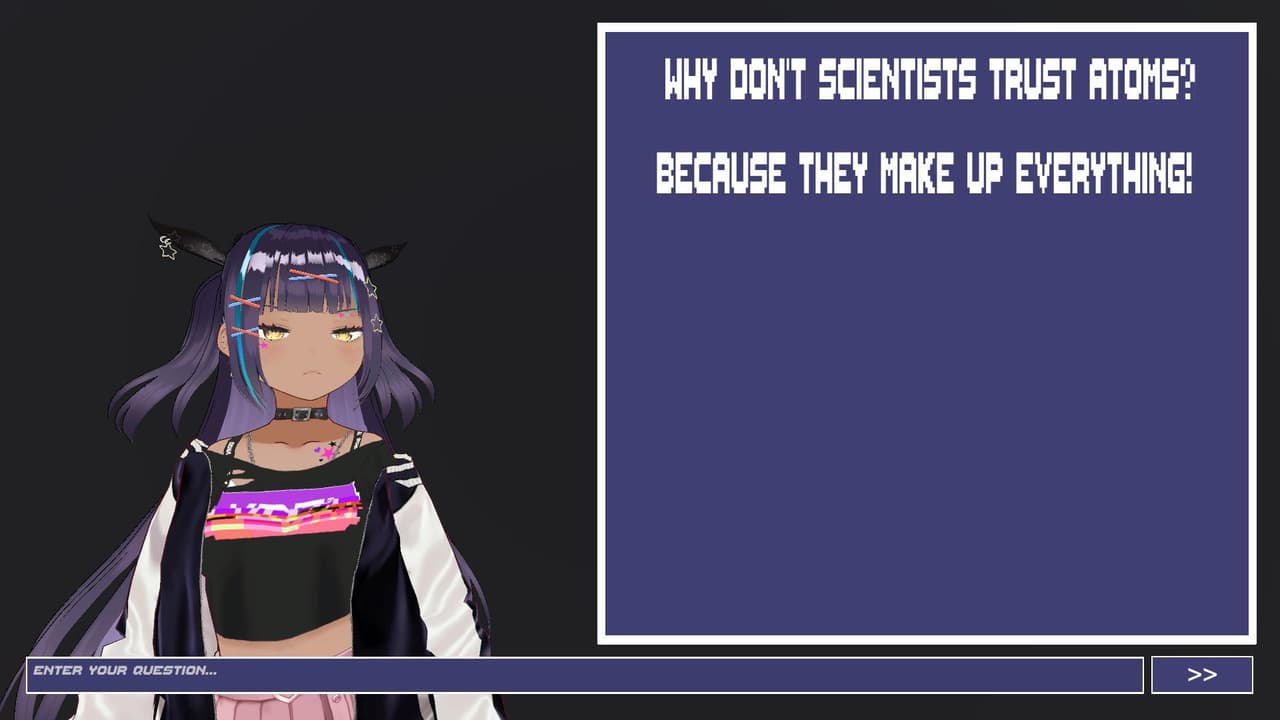
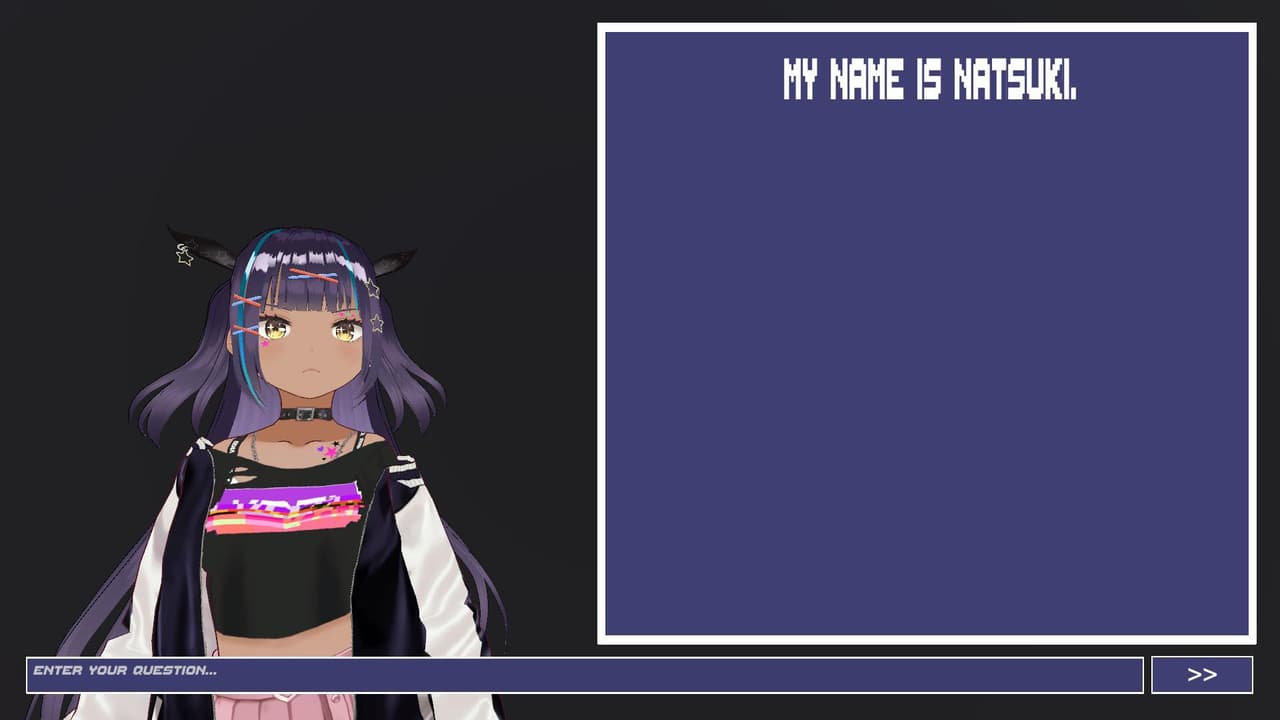
IMPORTANT: You need extra steps before you can start using this. Video on how to set it up: Talk to an anime girl named Natsuki using the "ChatGPT" technology. Voice included. How to setup: For Google Cloud: 1) Make Google Cloud account. 2) Activate free trial (if you have one). 3) Create new project. 4) Turn on billing on dashboard. 5) Search for "Text-to-speech" and enable "Cloud Text-to-Speech API". 6) Click on 3-lines on top left and hover over "IAM & Admin". 7) Click on Service Accounts. 8)...
Screenshots
Community Activity
Playing0
Completed0
Plan to Play0
Tap to see all activity →
Developers
ambulung
Platforms
PC
Tags
Animeaichatgpt
Loading...
Loading...