Back to Games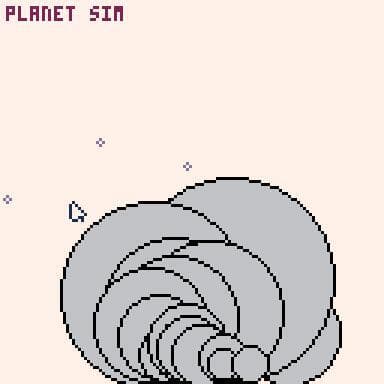
Planet/Ball Simulation
2021Simulation
About
Click and drag to create circles. Dark gray means youre currently making it, and light gray means its there to stay. Use the X key to place down particles (the purple things) at your mouse cursor. Use the Z key to switch between modes: "Ball Sim" means the circles will fall down, and particles wont do anything. "Planet Sim" means the circles wont do anything, but the particles will be attracted with a force towards them. "Both" means the circles with fall and the particles will travel towards th...
Screenshots
Community Activity
Playing0
Completed0
Plan to Play0
Tap to see all activity →
Developers
ZeEpiq
Platforms
Web
Tags
2DPixel GraphicsPhysicsPICO-8
Loading...
Loading...