Back to Games
Project_4
2022
About
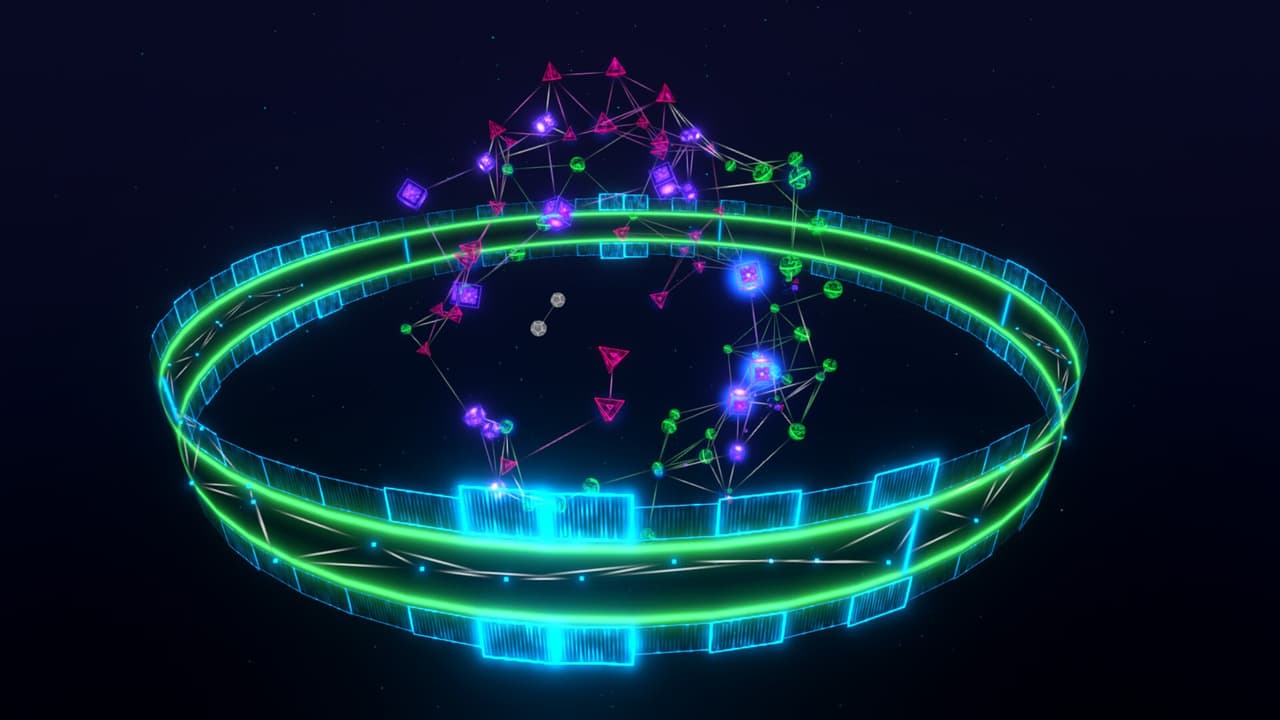
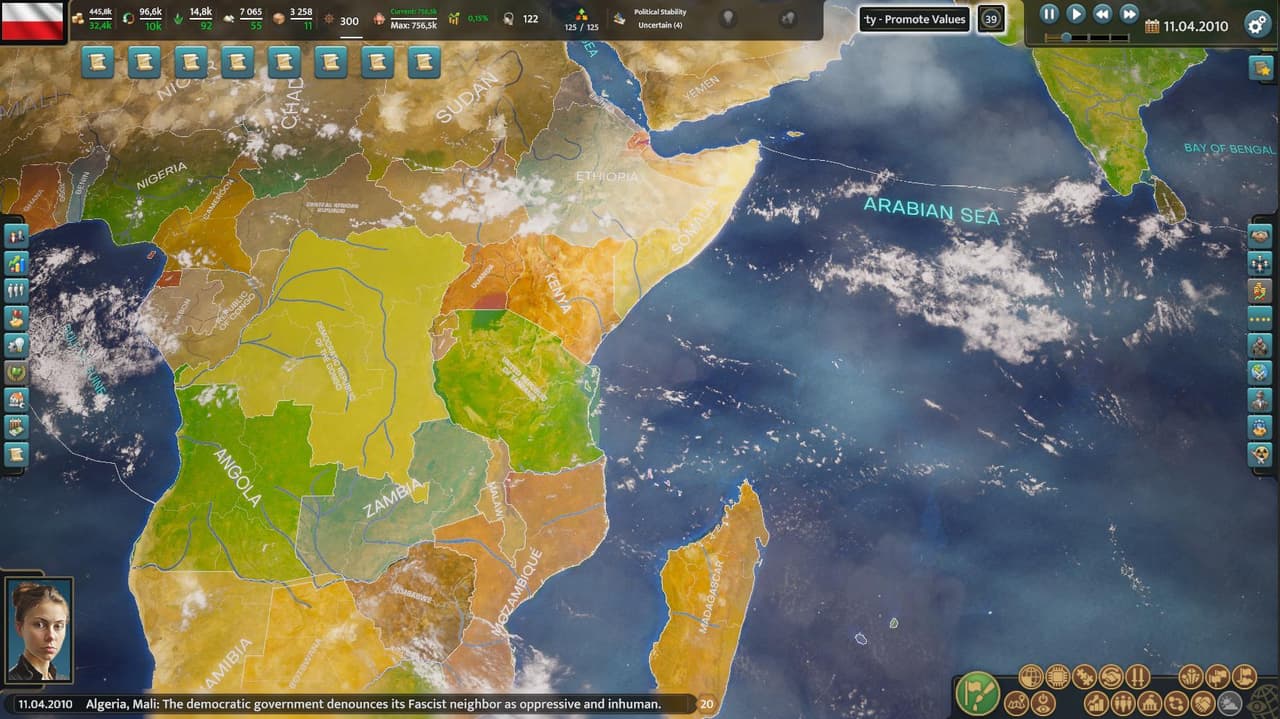
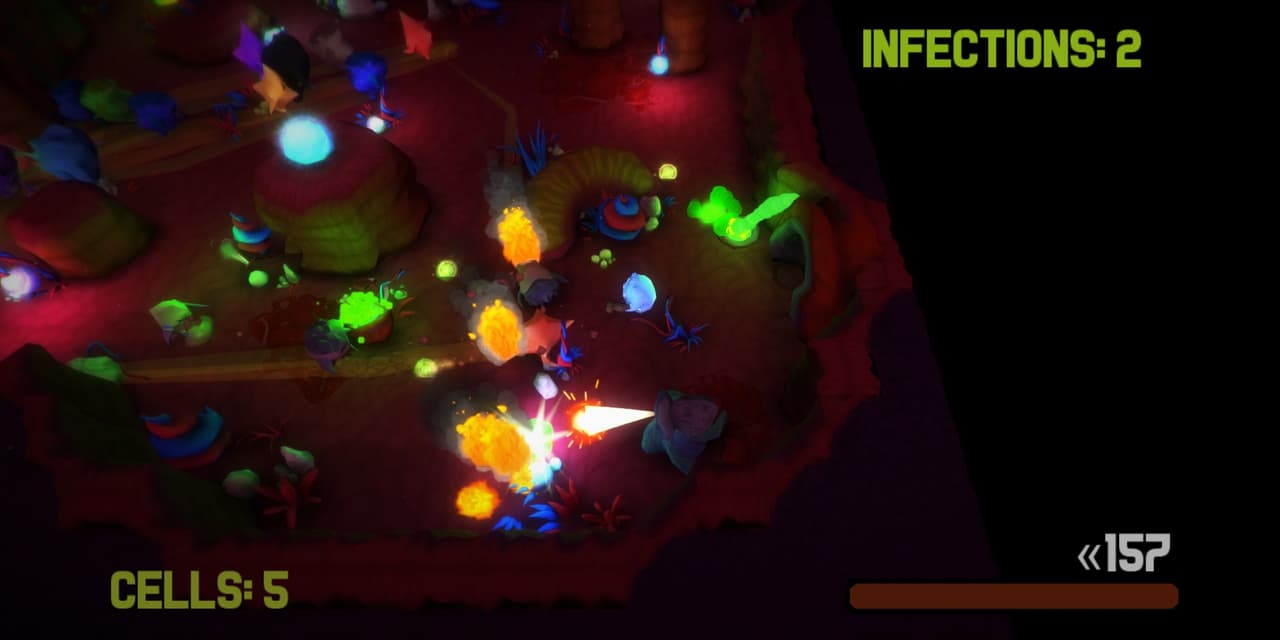
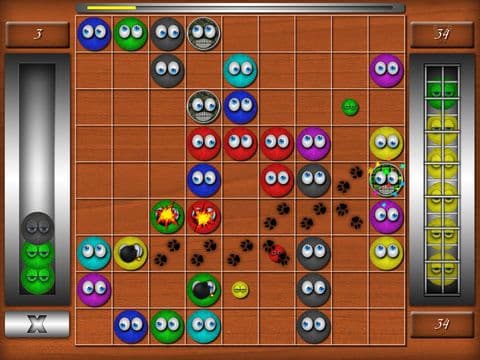
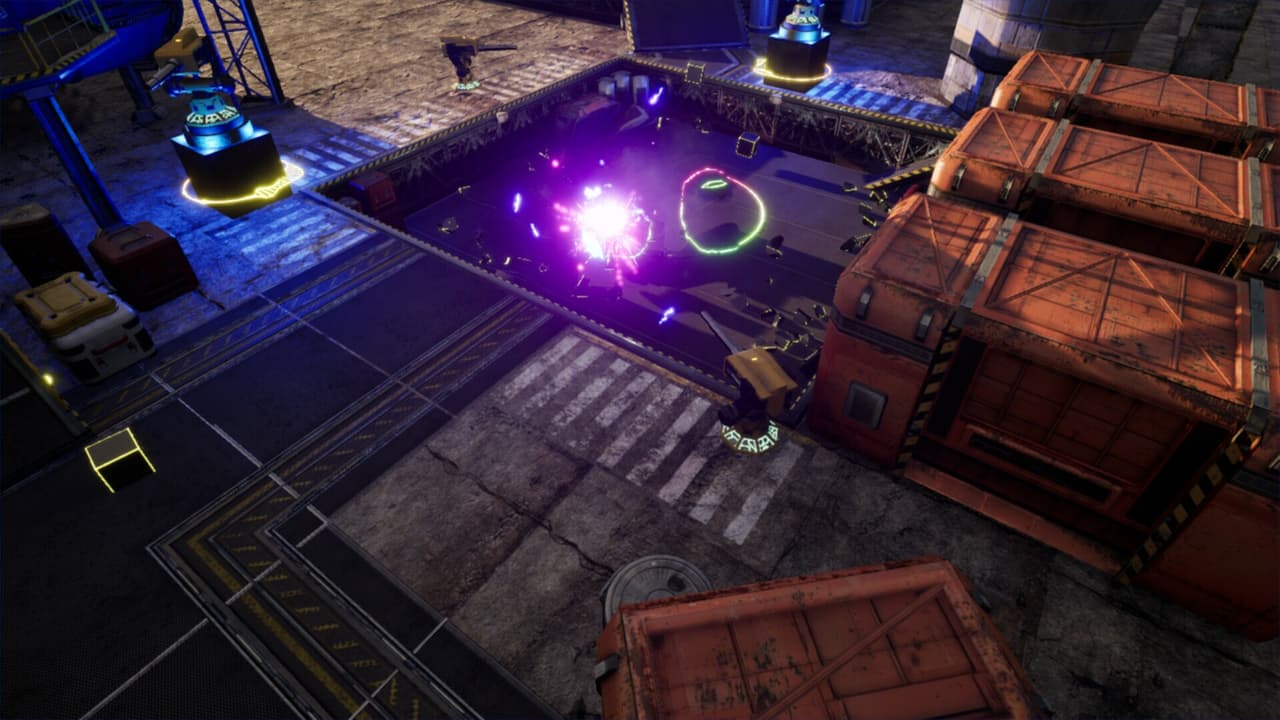
Feature List: PRESS 1, 2, or 3 on the Keyboard to change view of different projects! (on 1) Click the screen to place a sphere. (Input = click Output: new sphere) Press C to clear any created spheres. (Input = press "c" Output: Clear all spheres created) There is also a text box on screen that shows the current mouse position. On the bottom there is a slider that changes the color of created spheres. (Input: slider Output: new shade of red for spheres created) (On 2) A clock loads on screen, sho...
Screenshots
Community Activity
Playing0
Completed0
Plan to Play0
Tap to see all activity →
Developers
kp23
Platforms
Web
Tags
MusicspeedroomclickboxcolorckeyboardchoiceclockboyRotation
Loading...
Loading...