Back to Games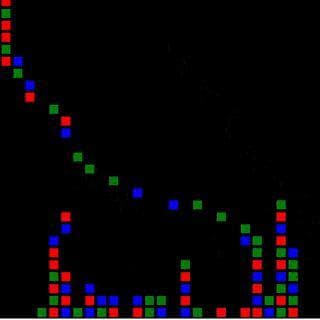
Qst GMS2 RGB Toy
2019
About
Just hold your mouse to drop pixel blocks, they pop and you get points. Its just a toy not a game, mostly for testing / fun. Checking out the resolution, play feel on the phone, sand/block pop logic. The white number is the FPS. The colors are amount of blocks popped in that color. Why? I wanted to make a quick thing in Game Maker Studio 2. Ive been learning Godot this week. But my attention has been turned back to GMS2: Ill be making a new GMS2 project for the GM20 Jam. TODO: Turn into a micro ...
Screenshots
Community Activity
Playing0
Completed0
Plan to Play0
Tap to see all activity →
Developers
qst0
Platforms
Web
Tags
FPSfunLogiccolorsphoneblockblocksjam
Loading...
Loading...