Back to Games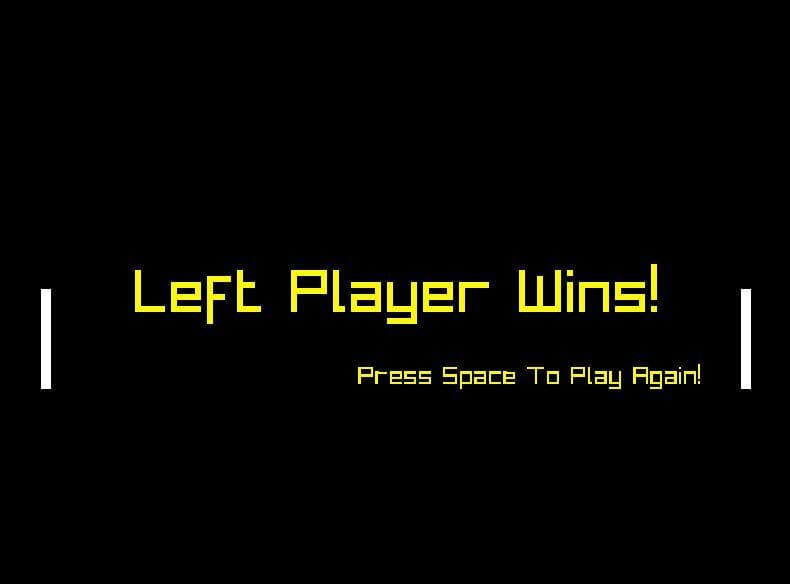
Retro Pong (Platoneom)
2023Simulation
About
I included the .exe file and the .cpp source code file. Feel free to download which ever you would like. Like I said, this project was just for me to get used to using Raylib. CONTROLS:Left Paddle is controlled with W and S and the Right Paddle is controlled with the up and down arrow keys. NOTE: You can press F2 in game to show the live FPS in-game.
Screenshots
Community Activity
Playing0
Completed0
Plan to Play0
Tap to see all activity →
Developers
Platoneom
Platforms
PC
Tags
Multiplayer
Loading...
Loading...