Back to Games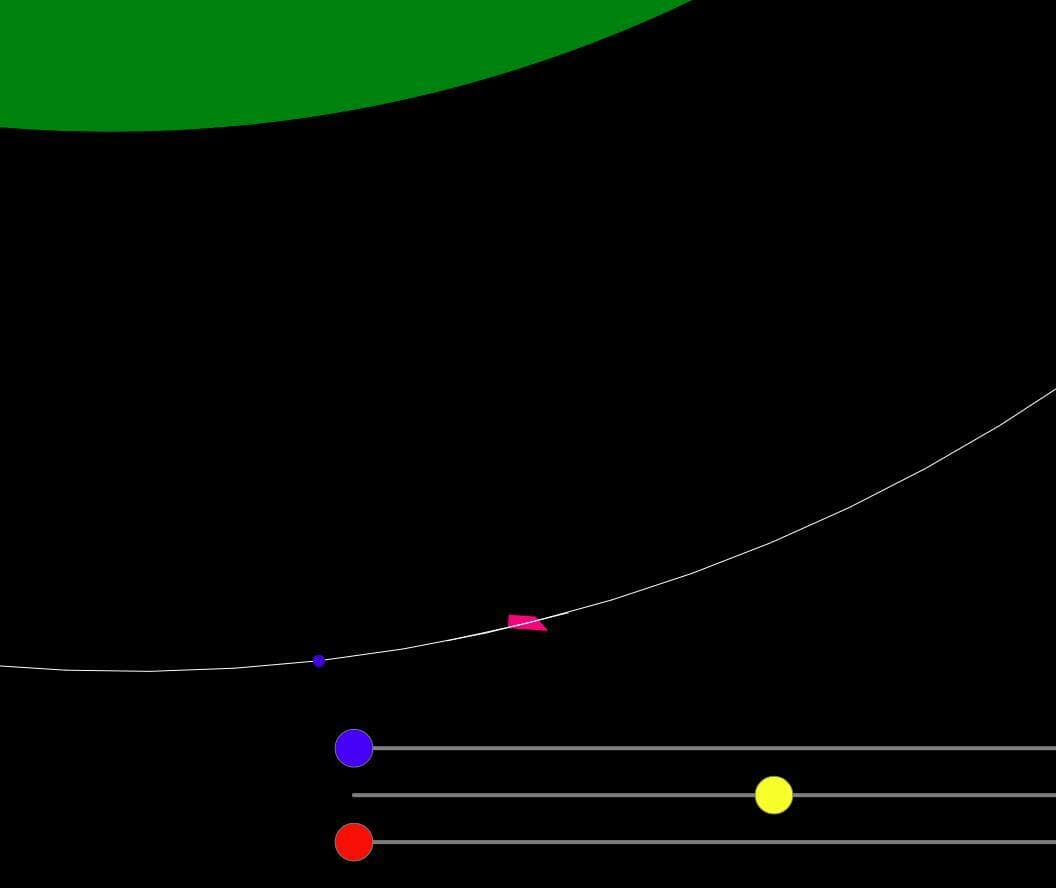
Rocket Gnome
2020
About
Rocket Gnome is testing their rocket. Try to reach stable orbits with as little fuel used as possible. CONTROLS: Zoom and pan camera - on computer - with mousewheel and dragging mouse or - on touchscreen - two fingers dragging and spreading. Blue slider: Speeds up or slows down time. This does not affect anything else.Yellow slider: Rotates the ship. To get zero rotation, aim in the middle and then pull the slider upwards a bit.Red slider: Thrust to accelerate our ship. To stop presimulations wh...
Screenshots
Community Activity
Playing0
Completed0
Plan to Play0
Tap to see all activity →
Developers
myFloat
Platforms
Web
Tags
Singleplayer
Loading...
Loading...