Back to Games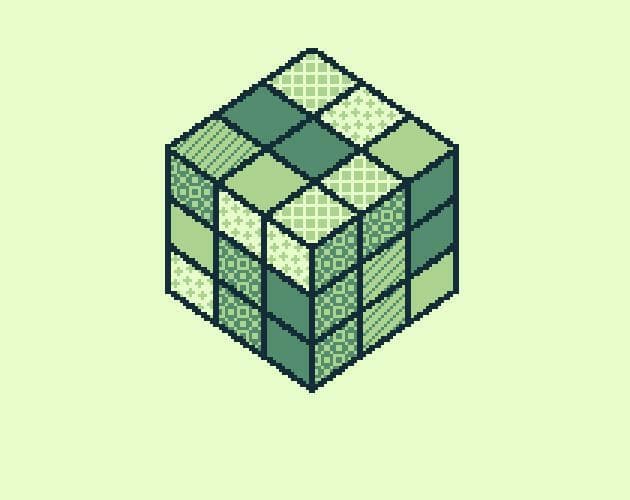
rubik (NotImplementedLife)
2021SimulationPuzzle
About
How to play Use D-Pad Left/Right to rotate the top layer in the corresponding direction. This is the only layer the player can move. In order to move another layer, the player needs to bring it to the top by rotating the cube. This can be done by pressing Select. Some circular arrows will appear. They show the axis around which the cube will be rotated. Press Select again in order to reveal other pair of circular arrows. Press Left/Right to move the cube around the chosen axis. Press B to hide t...
Screenshots
Community Activity
Playing0
Completed0
Plan to Play0
Tap to see all activity →
Developers
NotImplementedLife
Platforms
PC
Tags
RetroGame Boyrubik
Loading...
Loading...