Back to Games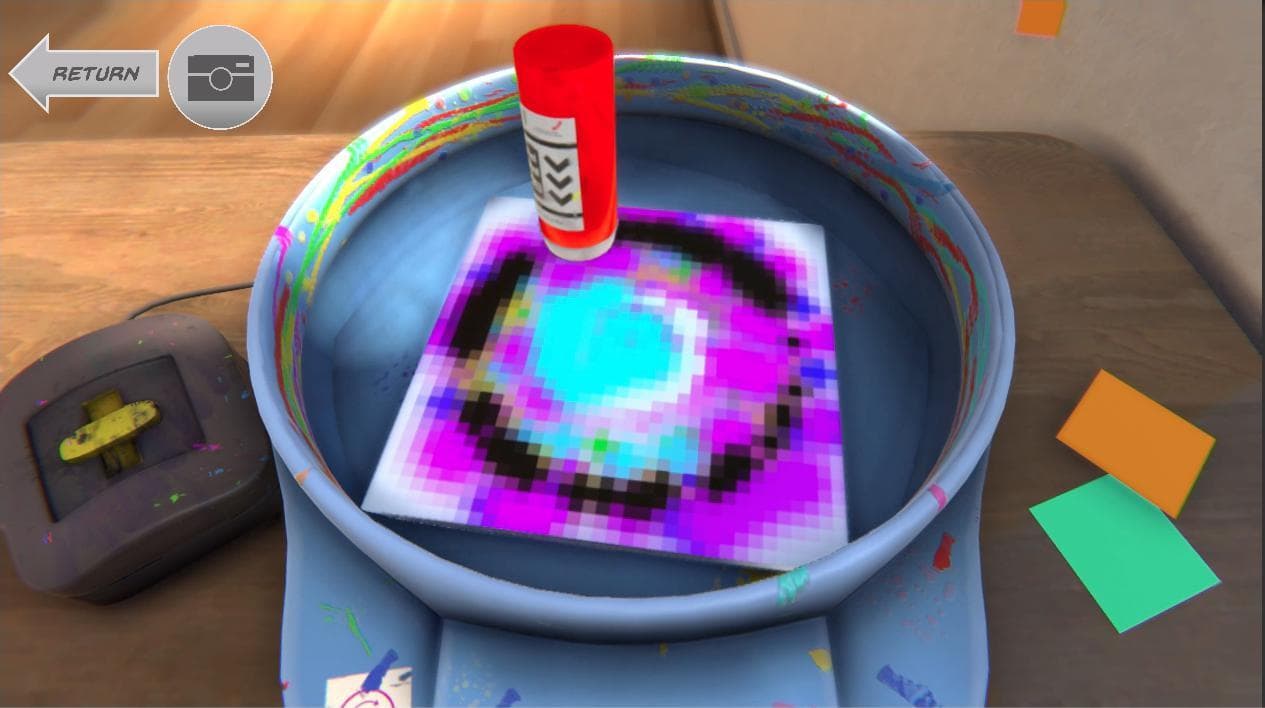
SpinPixel
2021Simulation
About
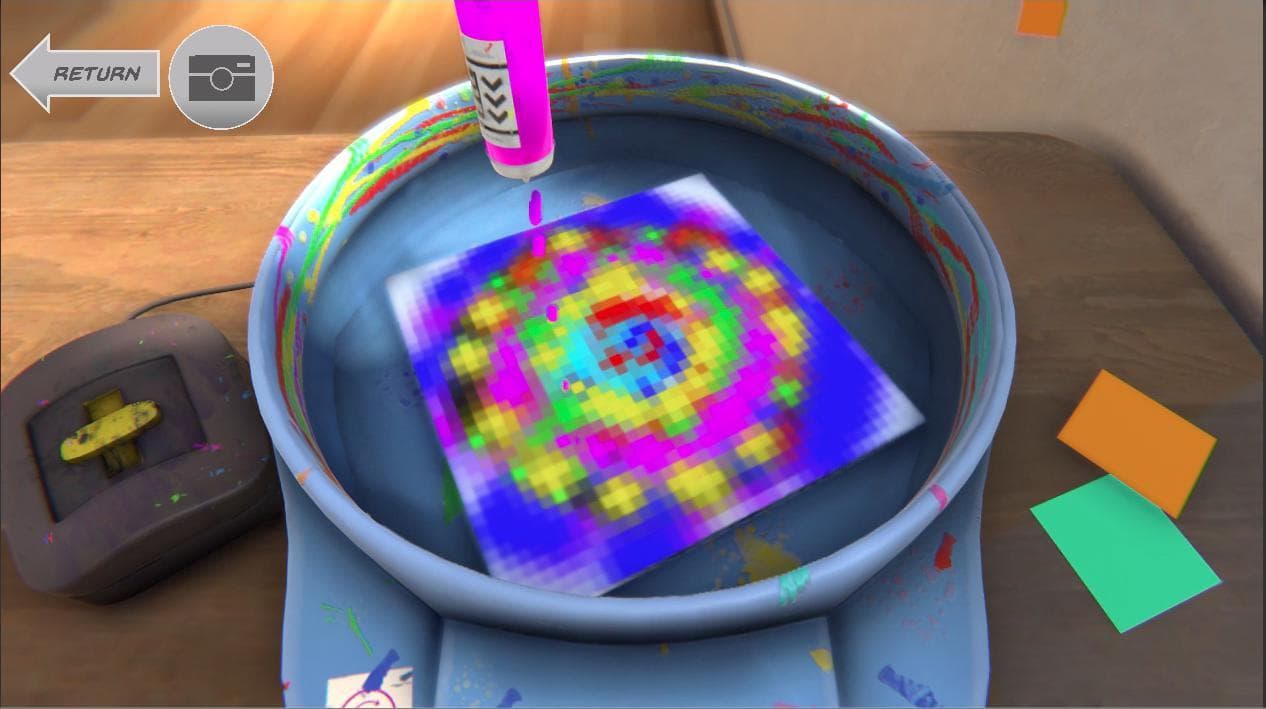
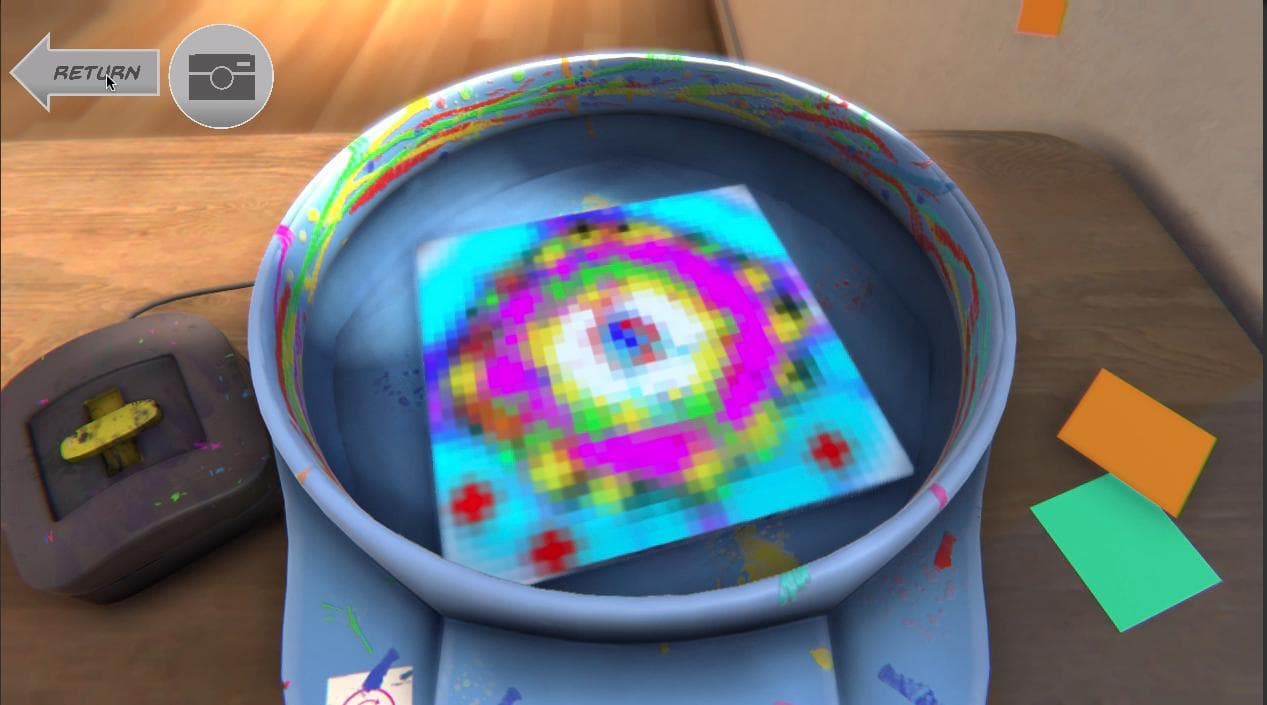
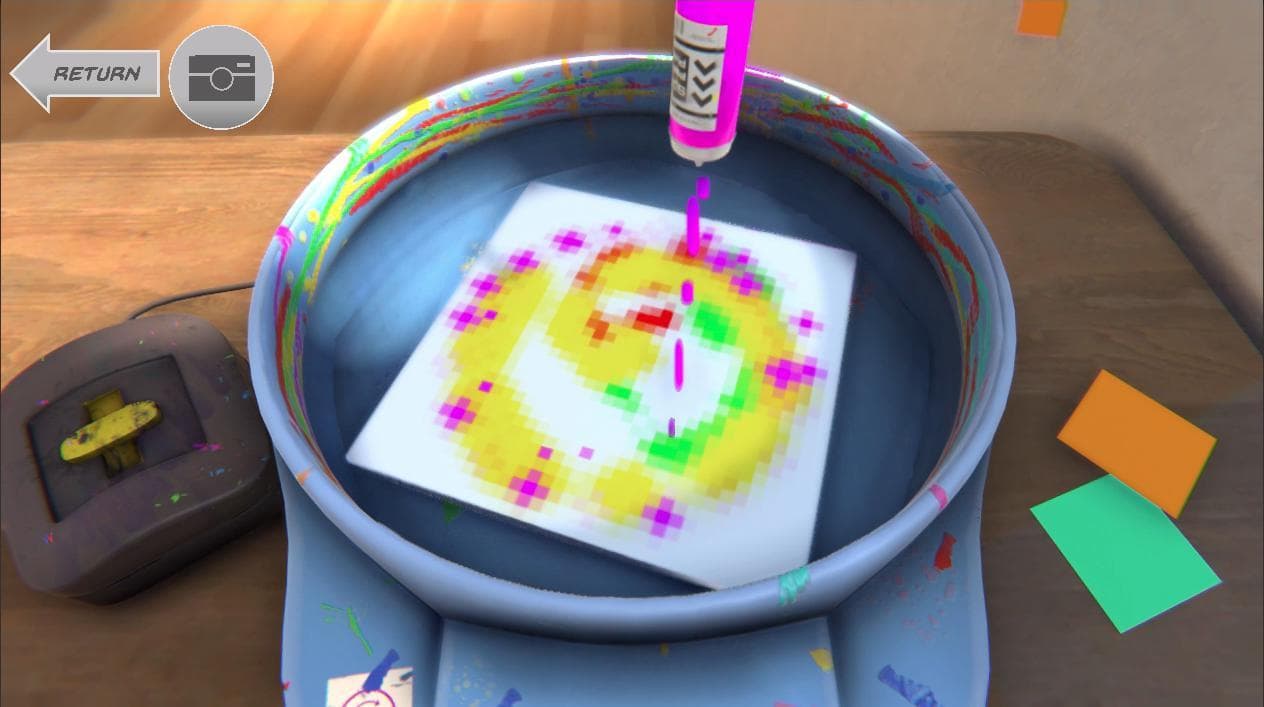
How to paint: Move the cursor over the canvas and left click to paint. Click on the yellow button of the motor to change the spin speed. Spacebar changes color. Click on the camera button to document your mess or masterpiece. The paint will remain wet and fluid until you change colors. Accessing your paintings: For windows go into the project files and you will find your paintings under savedImages file. For Mac right click on the application, navigate to the assets folder and open the savedImag...
Screenshots
Community Activity
Playing0
Completed0
Plan to Play0
Tap to see all activity →
Developers
AustinCaskie
Platforms
PCmacOS
Tags
FunnyPixel GraphicsCute3DPhysicsartgamecreativepainting
Loading...
Loading...