Loading...
Back to games
Action · 2021 · Released
The Great Catposters Unnamed Game Demo #2
thegreatcatposter · September 6, 2021 · PC
Nobody has tracked this yet.
About
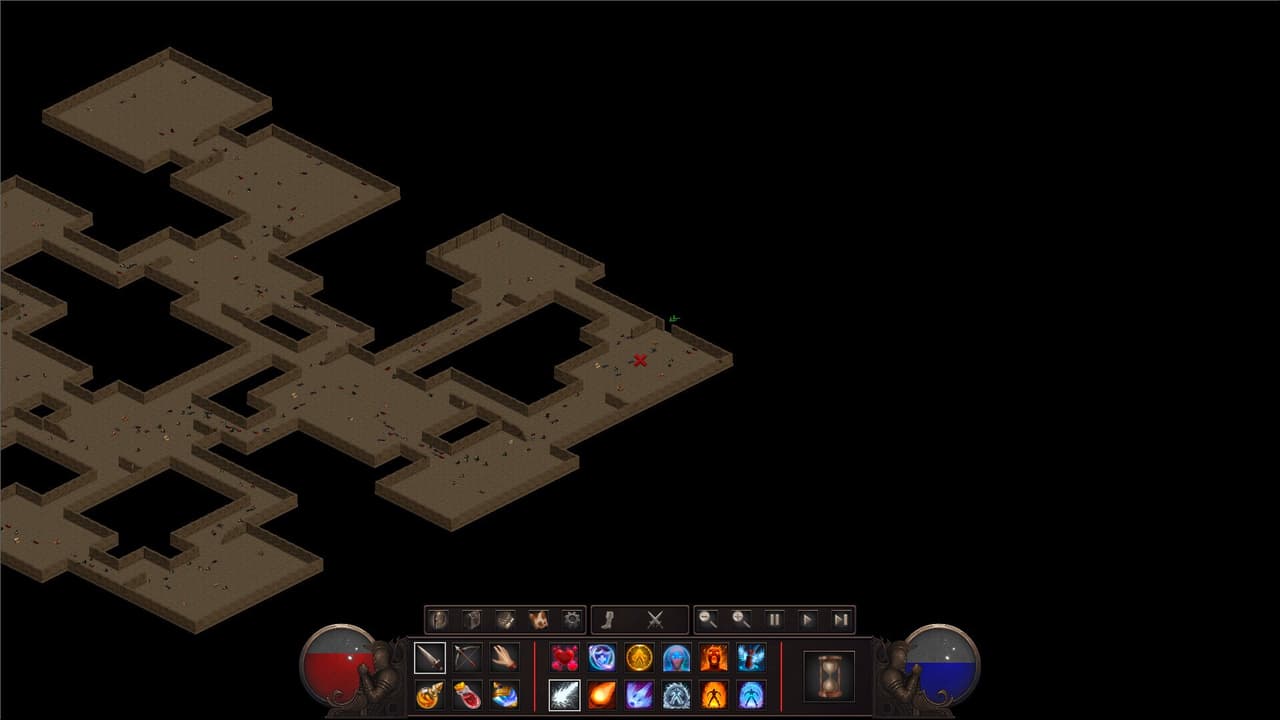
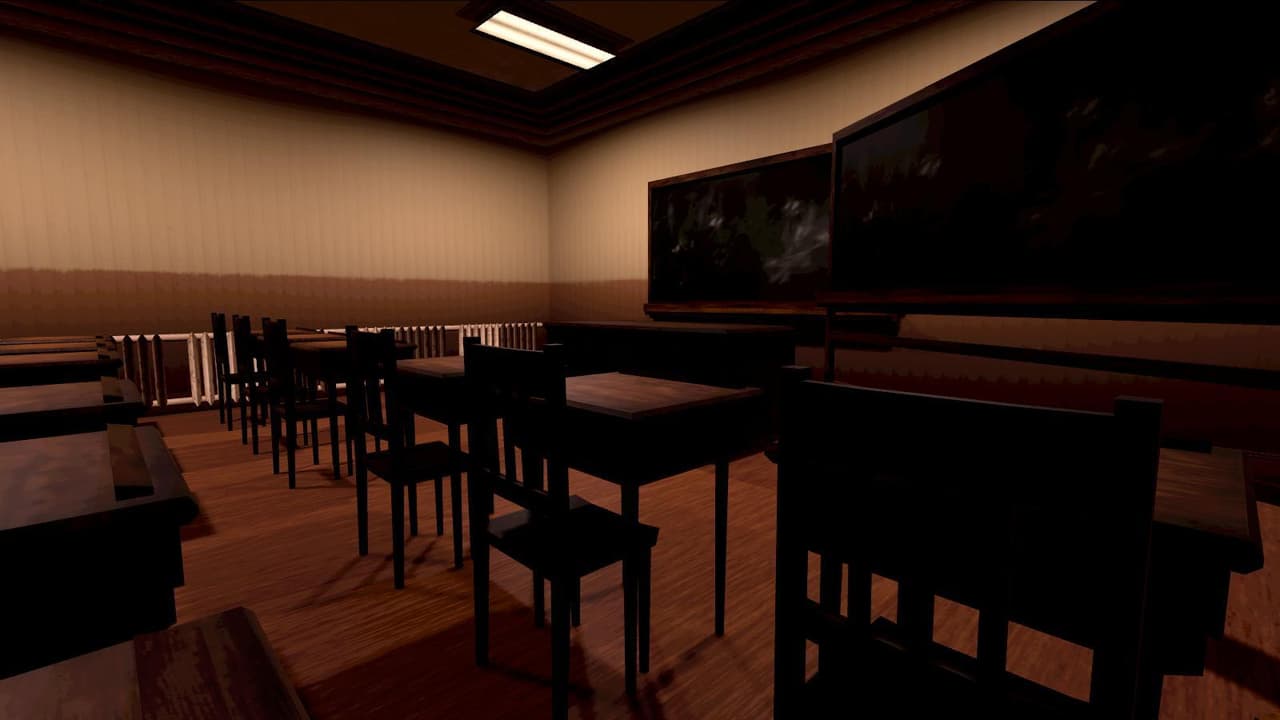
-Enter the battle room and fight through 4 waves of increasing difficulty. -Press 1 For Full Screen, And 2 For Windowed. -Press TAB when in Battle To Pause and View Instructions -Press and hold N during the Prewave to start battle. -Press N after selecting the main character or a cover object to bring up the Heal/Repair module. If you have pool points left, and the selected object has taken damage, you can press up and down to inc/dec health. This is needed for when you or the cover object(desks) have taken damage during the previous battle wave. -During battle, press J to enter Shooting Mode,...
Media
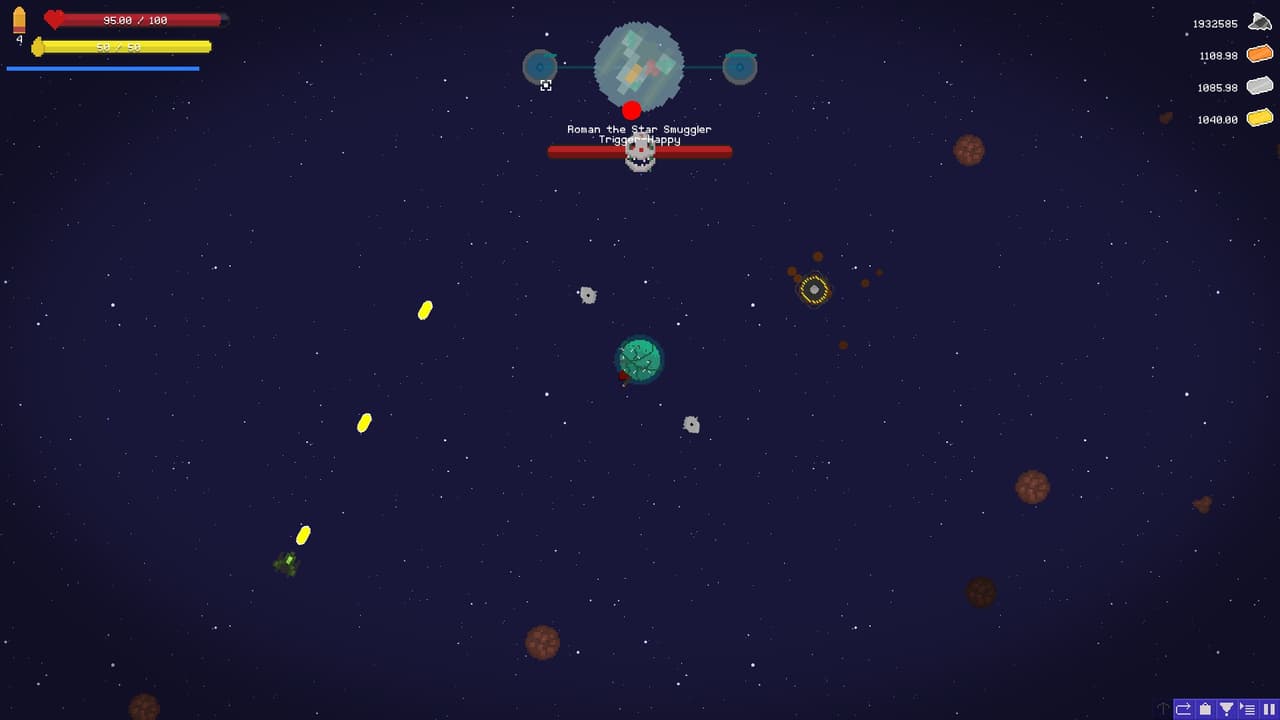
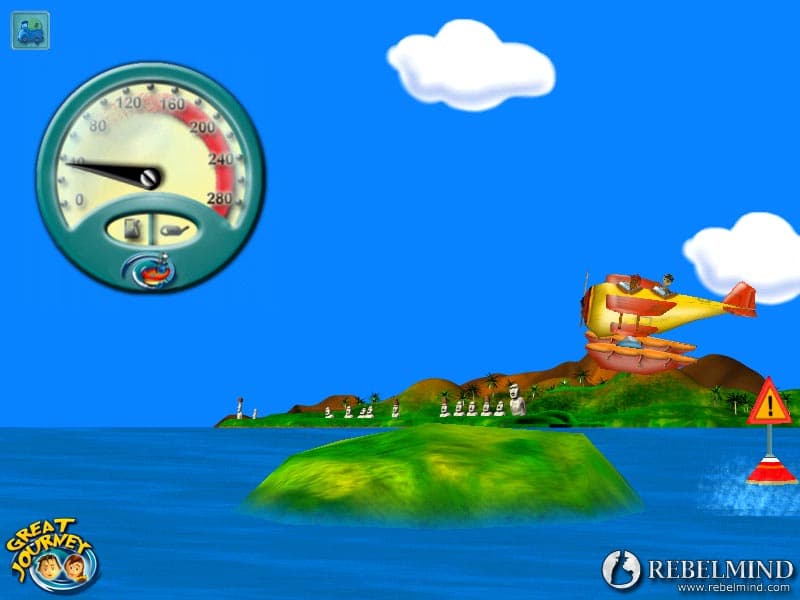
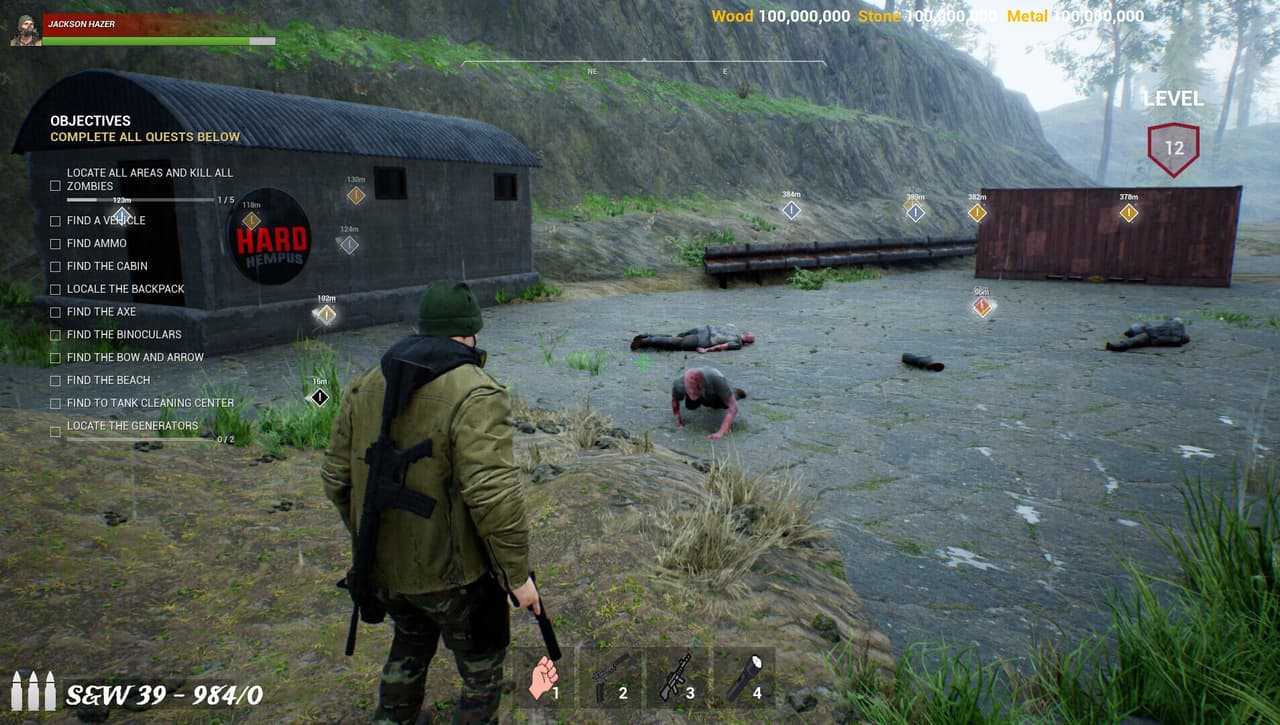
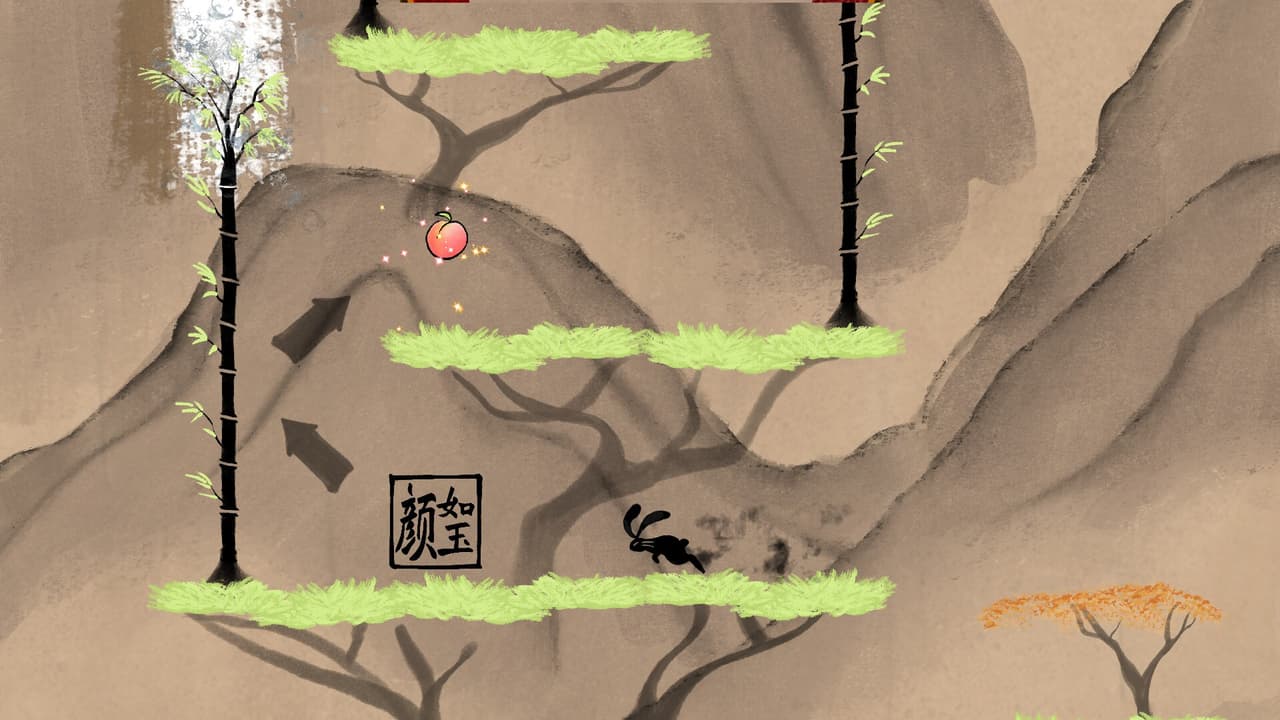
4 screenshots
Community
No blips yet
Be the first to rank it.
Loading...
Loading...