Back to Games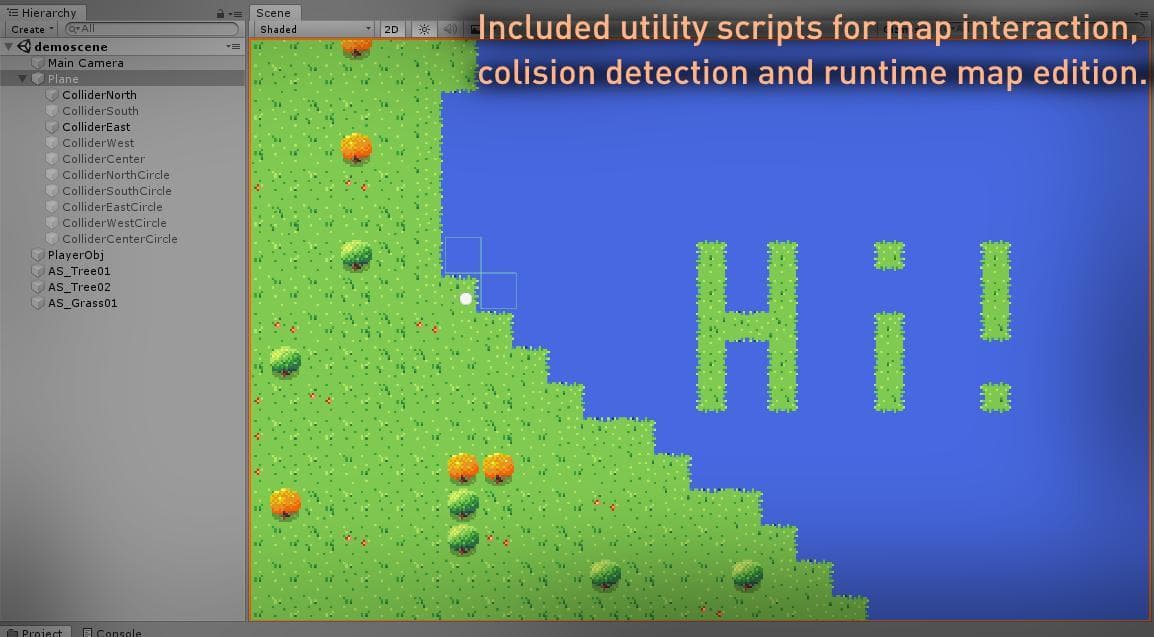
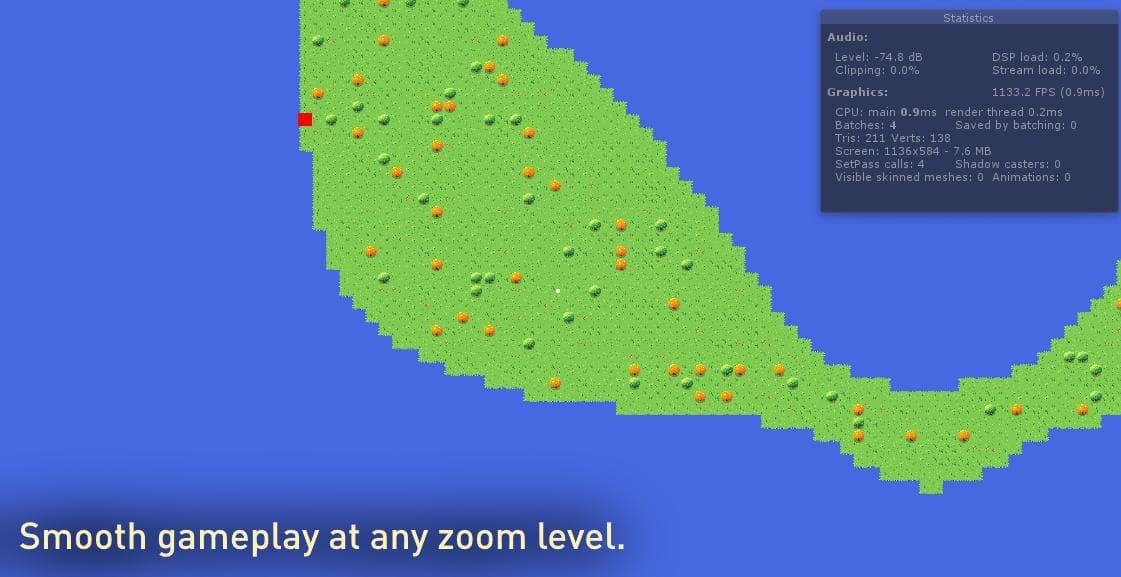
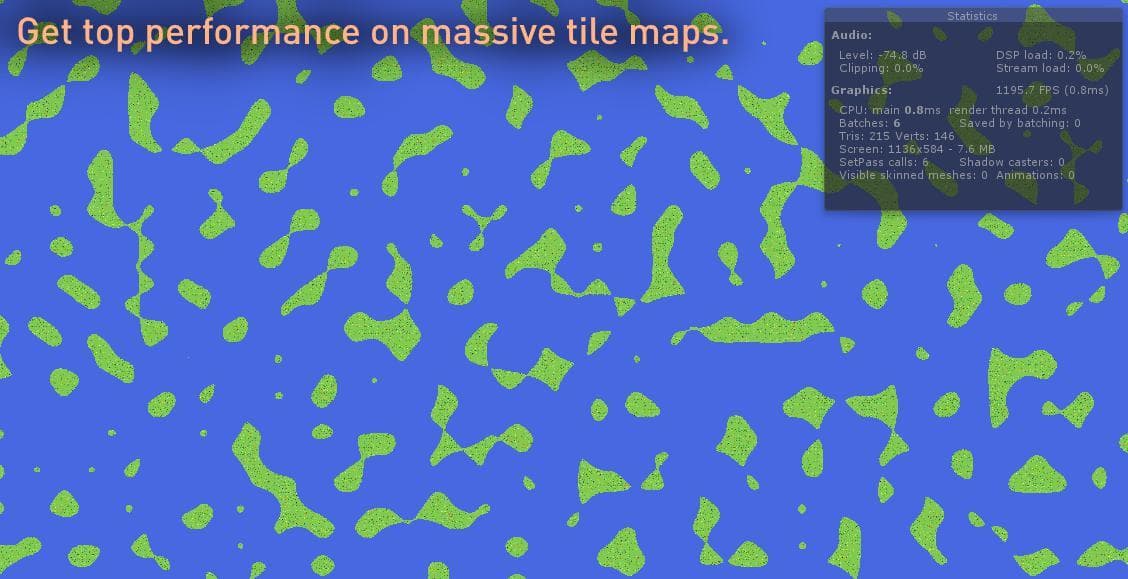
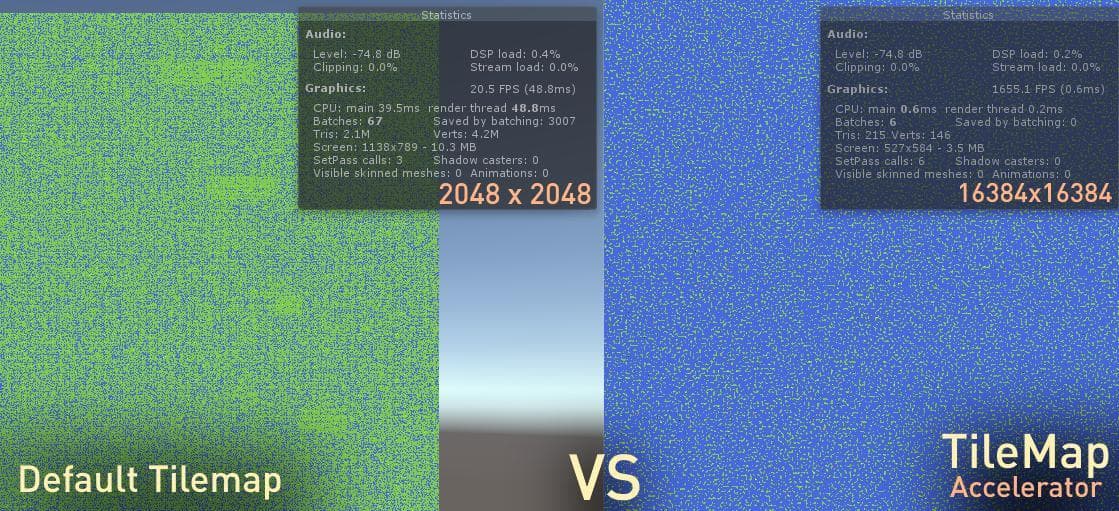
Tile Map Accelerator Web Demo ( Auto Chunking )
2019
About
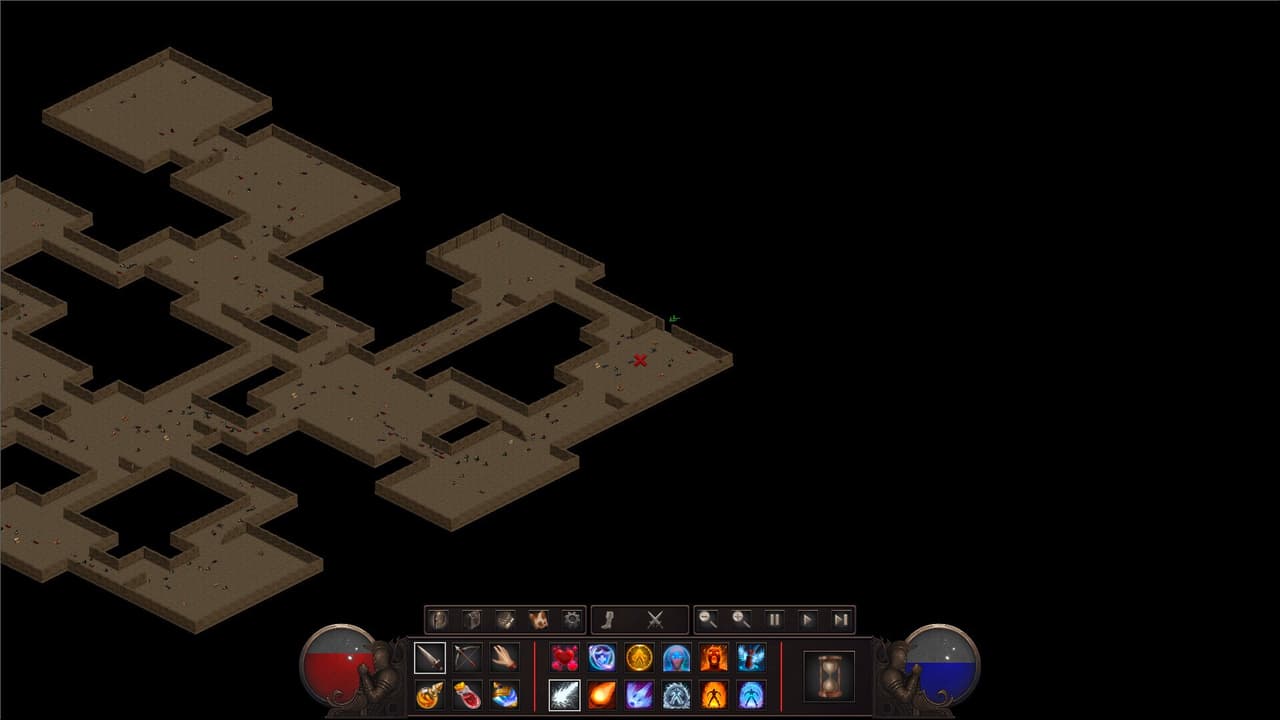
Tile Map Accelerator Demo. Controls W A S D : Move Camera ( When not focused on player obj ) - AND = : Zoom Camera Left Click : Select tile ( Places Active Edit Tile in Edit Mode ) F : Toggle Player Focus / Camera Lock Arrow Keys : Move Player Object E : Enter Edit Mode While in Edit Mode : 1 : Select Grass01 Tile as Brush 2 : Select Tree01 Tile as Brush 3 : Select Tree02 Tile as Brush 0 : Select Water Tile as Brush ENTER : Bake active changes to GPU map
Screenshots
Community Activity
Playing0
Completed0
Plan to Play0
Tap to see all activity →
Developers
R3VISION
Platforms
Web
Tags
Open World2DPixel GraphicsProcedural GenerationUnityTilemap based tools
Loading...
Loading...